1
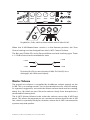
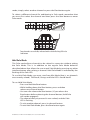
are at line level, they are capable of sending the current monitor mix to any
audio device capable of using a line level audio signal.
Record a Mix
The output of your Personal Mixer can be used for recording. Use it to record
a rehearsal or performance, or to create rehearsal mix-minus recordings for
substitute performers.
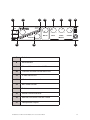
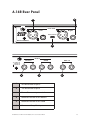
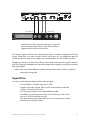
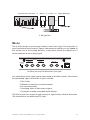
Connect either the XLR or TRS line outputs to the recording device. Two
separate cables are required—one for the left side, the other for the right. To
record the output of a Personal Mixer:
• Create a mix on the A-16R. Use panning, mutes, Groups etc.
as required.
• Save the Preset to a memory location.
• Connect the line outputs of the A-16R to the inputs of the
recorder.
• Choose an appropriate audio level for recording on the
device by setting the Master volume control on the A-16R
to a level that does not distort the inputs of the recorder.
A-16II Personal Mixer User Guide
60