1
251729200_myC5-2_lu_en.book Page 47 Lundi, 4. octobre 2004 11:21 11
Applications
Alarm
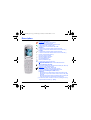
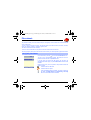
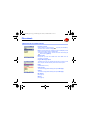
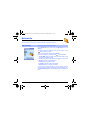
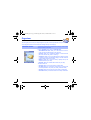
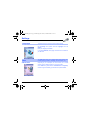
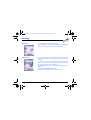
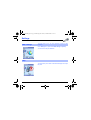
This menu allows you to set and activate the alarm.
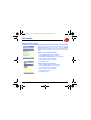
On the Applications menu, please select the Alarm menu and [OK].
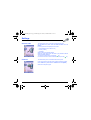
Activate or Deactivate the alarm and validate.
Set the wake-up time by entering the numbers directly or using the
keys and validate.
The alarm icon appears on the initial screen.
The alarm works even when the phone is switched off.
Note: You can select the alarm ring tone in the Settings/Sounds/Ring
tone menu.
Timer
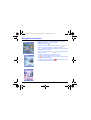
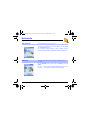
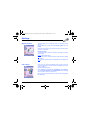
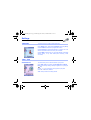
This menu is used to set and activate the timer.
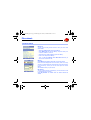
On the Applications menu, please select the Timer menu and [OK].
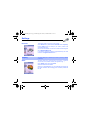
Activate or Deactivate the alarm and validate.
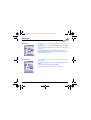
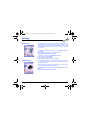
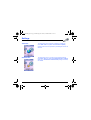
Set the duration (hours/minutes) by entering the numbers directly or
using the
keys and validate.
The alarm icon appears on the initial screen.
47