1
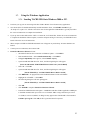
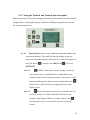
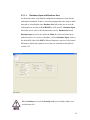
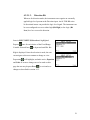
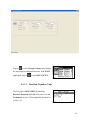
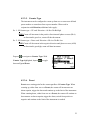
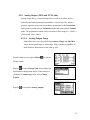
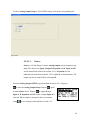
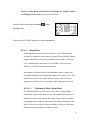
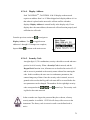
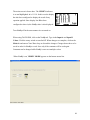
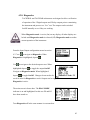
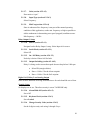
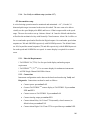
From section 4.2.2.4 navigate to Averaging using
.
With Averaging highlighted, toggle between On or Off
using
.
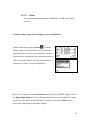
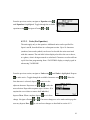
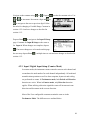
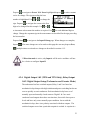
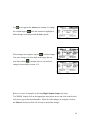
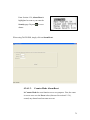
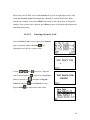
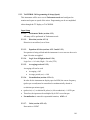
Navigate to Average Period using
. Depress
to
make the constant active for change. The cursor
highlights the most significant digit and is required to
enter values of 10 or more.
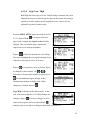
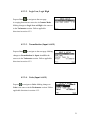
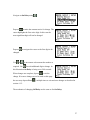
Depress
or
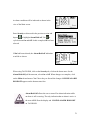
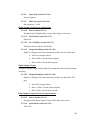
to navigate the cursor to the first digit to be changed for this example. Use
to increment or decrement the number as required. Use
for each additional
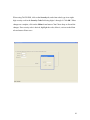
digit to change. In this illustration, the number was set to 4.00. When changes are
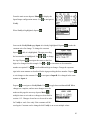
complete, depress
depress Prev,
. If no more changes are to be made on this page the user may
, multiple times to exit and save changes as described in section 4.1.2.
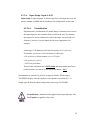
Averaging should only be applied where a “smoothed” speed can be
tolerated and where the exact speed does not need to be known. When
Averaging is applied, all outputs including Digital, Relays, Analog and
Display are affected. Averaging will increase the amount of time the
instrument uses to respond to an alarm condition and the response is
based on the mathematical average.
44