1
HB-711-OM-128-8270-Eng.qxp
6/5/08
9:37 AM
Page 32
PHOTO MENU (cont’d)
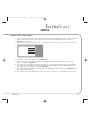
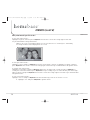
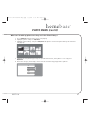
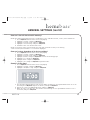
Now, what would you like to do?
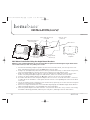
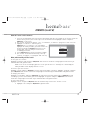
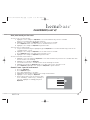
To make this picture the only picture displayed…
Highlight “single slide show” and press OK/menu. Confirm that “on” is highlighted and press OK/menu once
more. Now that photo you selected will be displayed until you change back to the slideshow.
NOTE: Turning single slide show on will stop home screen slide show. To restore, repeat above directions, but
select “off” instead.
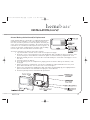
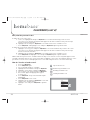
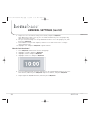
To rotate the photo for better viewing…
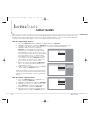
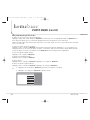
Highlight “rotate” and press OK/menu. A menu will automatically pop up. Highlight 0° to set the photo to its
original position, 90° to rotate the photo clockwise a revolution, 180° to turn the photo upside down and 270°
to turn the photo clockwise a revolution. Press OK/menu when desired position is highlighted.
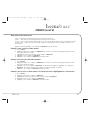
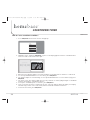
To view next photo in photo library…
Highlight “next” and press OK/menu.
To go back to thumbnail mode…
Highlight “back” and press OK/menu.
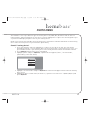
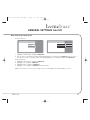
To delete photo…
Highlight “delete” and press OK/menu. Highlight “yes” and press OK/menu.
To delete all photos in photo library…
Highlight “delete” and press OK/menu. Highlight “all” and press OK/menu.
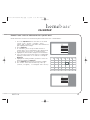
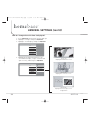
6. Highlight “back” and press OK/menu to go back to the photo icon library.
Or
7. Highlight “exit” and press OK/menu to go back home.
exit
back
single slide display
delete
next
rotate
32
DPF711K