1
ROUTE 66 MINI & MAXI User Manual
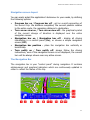
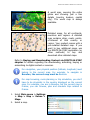
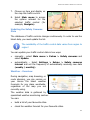
3. Load and use this map (blue padlock).
When you browse the world map
and start zooming in over a detailed
map for which you don’t have a
license of use, the application
notifies you that you must go to the
online shop and purchase that map!
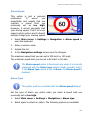
Traffic Information - Overview
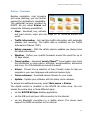
During navigation, you can come across traffic incidents along your route:
road works, an accident or simply a traffic jam. These incidents can affect
or even ruin your holiday or business plans.
The Traffic Message Channel (TMC) service monitors, collects and sends to
your device the latest traffic conditions. Thus, if you know in advance that
an incident is ahead on the route, you can probably avoid it and choose an
alternative route.
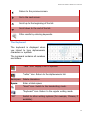
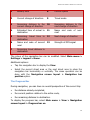
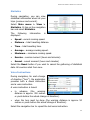
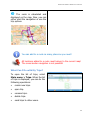
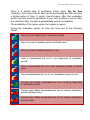
Each traffic message contains the following information:
Road code
Major city and region
Date and time when the event
was reported
Description of road segment
Description of incident
Expected duration of incident
Driving suggestions (detours) if possible
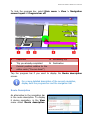
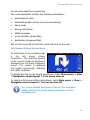
Select Main menu > Extras > Traffic information.
Refer to Buying and Downloading Content via ROUTE 66 SYNC
chapter for details regarding the downloading, activating, buying or
subscribing to digital content or services.
82