1
Keypad Features and Operation
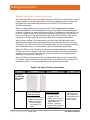
Arming the System- BYPASS
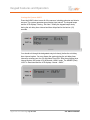
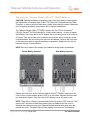
When arming the system for STAY or AWAY, you may get a message indicating
that the system cannot arm because one, or more, sensor is in an opened state,
such as a window and/or door. You may close the open sensor(s) before arming
or utilize the BYPASS feature.
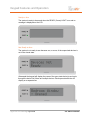
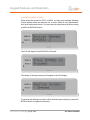
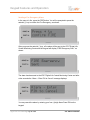
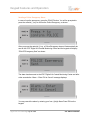
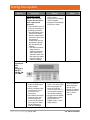
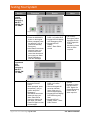
The LCD will display “Press BYPASS to Proceed.”
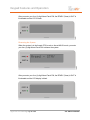
The identity of the open sensor(s) will appear in the LCD display.
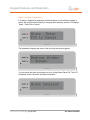
To proceed with arming the system, either close the open sensor(s) or press the
BYPASS button to bypass the sensor(s).
Digital Life User Manual | Page 11 of 62
ATT-UM-V1.1-201303