1
CD Intro play
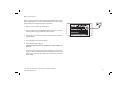
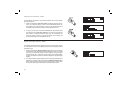
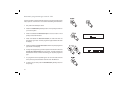
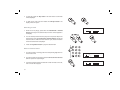
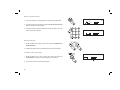
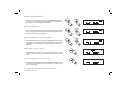
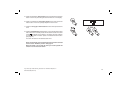
1. While the CD is in stop mode, press the Auto-tune/Intro button once
to play the first 10 seconds of all the tracks on the CD.
2. Press the Stop button to interrupt Intro play.
1
2
CD time display
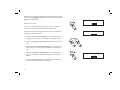
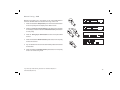
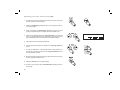
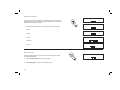
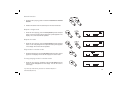
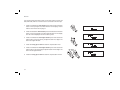
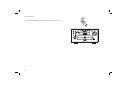
The button marked Remain OK/Select button allows different time information to be displayed for the CD or track currrently being played. For
each press and release of the OK/Select button will cycle through the
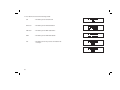
following displays, time into current track, total time into CD, time remaining
on current CD track and total time remaining on CD.
1
MP3 CD Mode
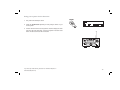
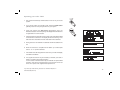
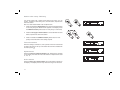
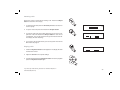
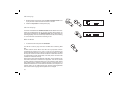
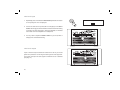
1. To select the CD mode press the CD button.
The MP-16 is able to play CD-R and CD-RW discs containing MP3
files.
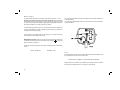
In MP3 mode the terms "album" and "file" are very important. "Album"
corresponds to a folder on a PC, "File " to a PC or a CD -DA track. The
device reads MP3 files with a maximum of 255 files per album. An MP3
CD may not contain more than 512 files or albums in total. MP3 files must
be created with an audio sample rate of 44.1kHz (this is normal for files
created from CD audio content).
When burning CD-R and CD-RWs with audio files, various problems may
arise which could lead to interference in playback. This can be caused
by faulty software or hardware settings or by the CD being used. Should
such problems arise, contact the customer services of your CD burner or
software manufacturer or look for relevant information, for example on the
internet. When you are making audio CDs, observe all legal guidelines
and ensure that the copyright of third parties is not infringed.
33
1