1
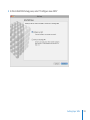
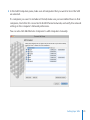
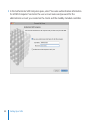
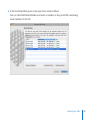
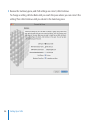
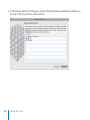
4 In the Add Computers pane, make sure all computers that you want to be in the SAN
are selected.
If a computer you want to include isn’t listed, make sure you’ve installed Xsan on that
computer, check that it’s connected to both Ethernet networks, and verify the network
settings in the computer’s Network preferences.
You can also click Add Remote Computer to add computers manually.
Setting Up a SAN
21