1
Hard disk drives / solid state drives
For further information, please refer to the "ServerView Suite RAID
Management" user guide.
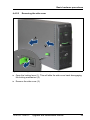
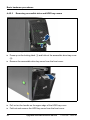
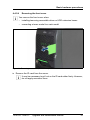
Ê "Removing accessible drive and HDD bay covers" on page 60
7.2.4.2
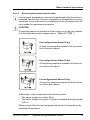
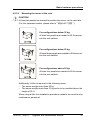
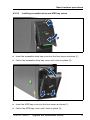
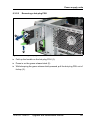
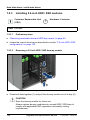
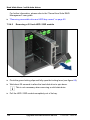
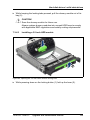
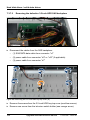
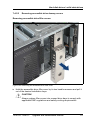
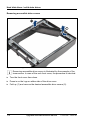
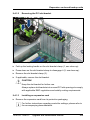
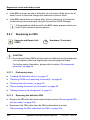
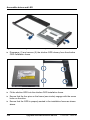
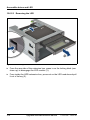
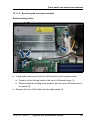
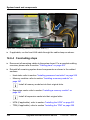
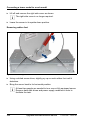
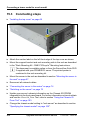
Removing a 2.5-inch HDD / SSD module
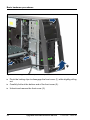
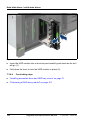
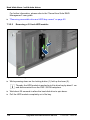
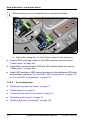
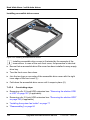
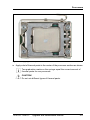
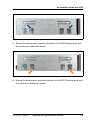
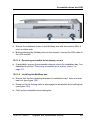
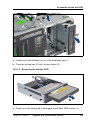
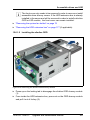
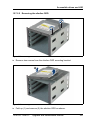
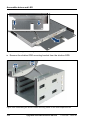
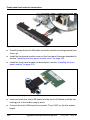
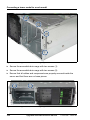
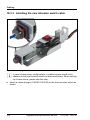
Figure 70: Removing a 2.5-inch HDD / SSD module
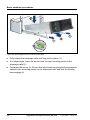
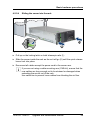
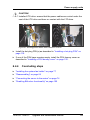
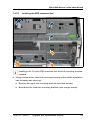
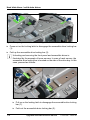
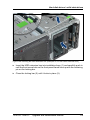
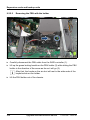
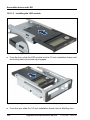
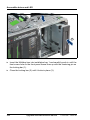
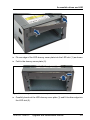
Ê Pinch the green locking clips and fully open the locking lever (see figure 68).
Ê Wait about 30 seconds to allow the hard disk drive to spin down.
I This is not necessary when removing a solid state drive.
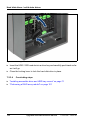
Ê Pull the HDD / SSD module completely out of its bay.
144
Upgrade and Maintenance Manual
TX150 S8 / TX200 S7