1
Basic hardware procedures
4.5.2
Rack model
4.5.2.1
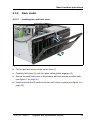
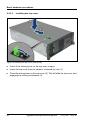
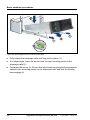
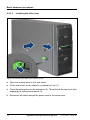
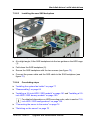
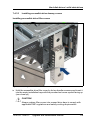
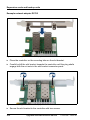
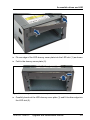
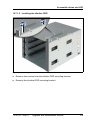
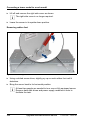
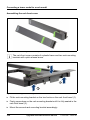
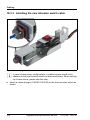
Installing the rack front cover
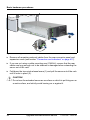
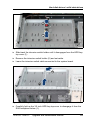
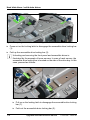
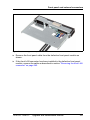
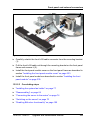
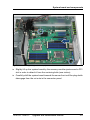
Figure 18: Installing the rack front cover
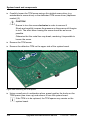
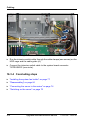
Ê Fit the rack front cover on the server front (1).
Ê Carefully fold close (2) until the upper locking latch engages (3).
Ê Secure the rack front cover to the chassis with two screws on either side
(see figure 7 on page 56).
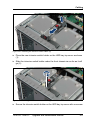
Ê Insert and slide the ID card into its slot until it locks in place (see figure 6 on
page 56).
TX150 S8 / TX200 S7
Upgrade and Maintenance Manual
65