1
M SERIES DAC
BASE UNIT AND MODULE CONFIGURATION
____________________________________________________________________________
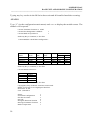
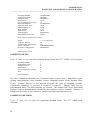
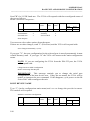
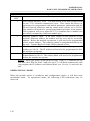
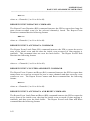
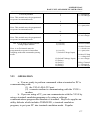
The CRM-1 provides three Reporting Methods. These are Command (via data
commands only), Immediate (upon exiting configuration), and Schedule (where
reporting begins at a specified time).
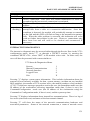
Regardless of the Reporting Method, when the V78 CRM-1 receives an SAn<cr>
command, it will report the current status of the selected relay (energized or deenergized) to the host-controller.
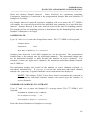
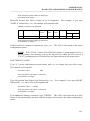
When Command Reporting Method is selected, the V78 CRM-1 will report event
data messages to the host module only when the RAn or RSn commands are issued. If
V78 CRM-1 receives a RAn (Read All Buffered Samples) command, all data
messages currently stored in the buffer of the selected relay(s) are transmitted to the
host-controller. Each time the V78 CRM-1 receives a RSn (Report a Single Sample if
available) command, the oldest event data message available is transmitted to the
host-controller.
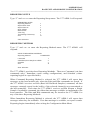
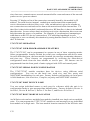
When Immediate Reporting Method is selected, the V78 CRM-1 will report data
messages as events occur. If no event has occurred, no report is made. Reporting
begins immediately after exiting the configuration main menu
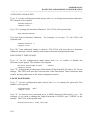
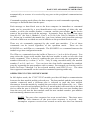
When Schedule Reporting Method is selected, the V78 CRM-1 will begin reporting
data messages as events occur at the programmed Report Start Time. The Report
Start Time is programmable up to 24 hours in advance of the current (time-of-day)
clock time. Data messages are stored in the buffer until the Report Start Time is
reached at which time all buffered data messages are reported to the host module.
Further reporting is based upon the selected Report Interval.
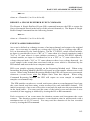
REPORT START TIME
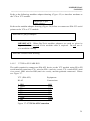
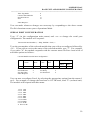
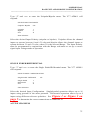
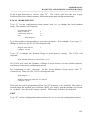
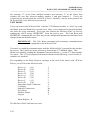
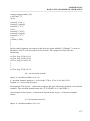
Type “2” (in the reporting setup menu) and <cr> to change the report start time. The
module will respond:
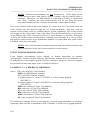
REPORT START TIME
Reporting Start Time
HH:MM
Current Date04/28/00 and Time
MM/DD/YY HH:MM:SS
Enter Hours (0-24) <cr>, or X to Exit:
Enter Minutes (0-59) <cr>, or X to Exit:
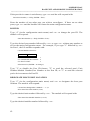
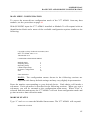
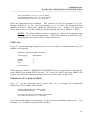
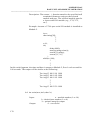
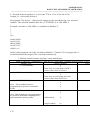
This menu shows the current Reporting Start Time, Current Date04/28/00 and Time
as reported by the base unit's time-of day clock when the reporting start time entry
was selected, and prompts you to enter the desired Report Start Time. Reporting can
be delayed up to 24 hours from the current time.
85