1
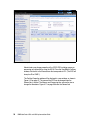
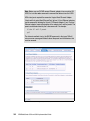
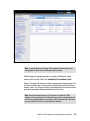
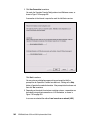
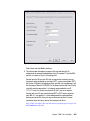
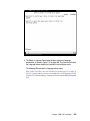
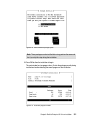
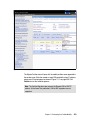
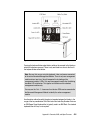
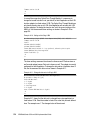
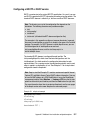
Note: Choose a service host name that is related to the IBM i 6.1 partition
name created in Integrated Virtualization Management (IVM) so that you
can more easily remember which partition is meant.
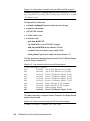
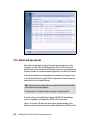
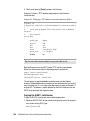
The service host name and service TCP/IP address are stored automatically
in the host file of the IBM System i Access for Windows console PC.
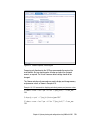
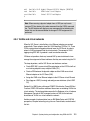
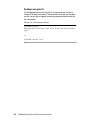
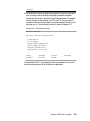
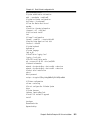
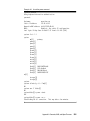
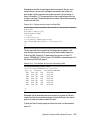
For Windows XP environments you will find the hosts file at the following path:
C:\WINDOWS\system32\drivers\etc\hosts
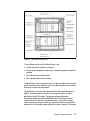
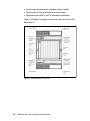
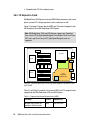
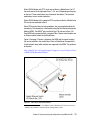
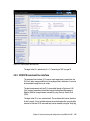
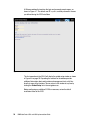
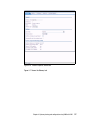
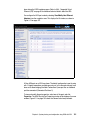
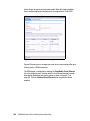
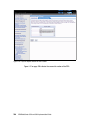
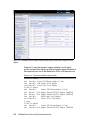
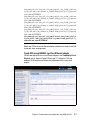
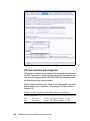
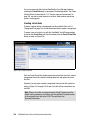
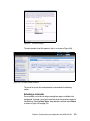
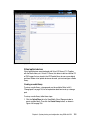
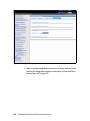
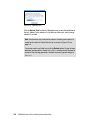
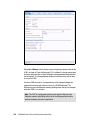
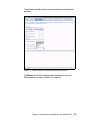
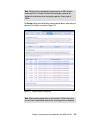
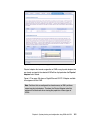
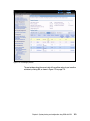
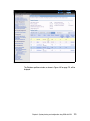
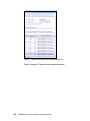
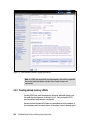
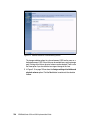
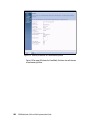
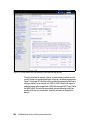
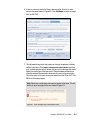
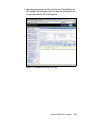
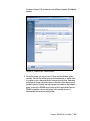
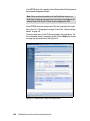
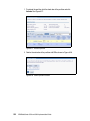
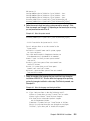
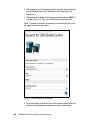
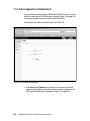
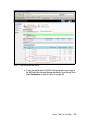
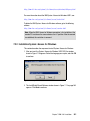
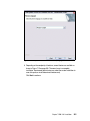
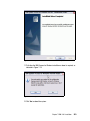
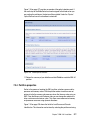
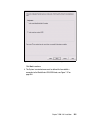
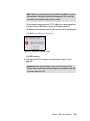
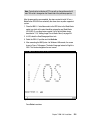
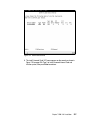
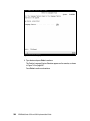
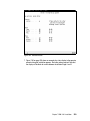
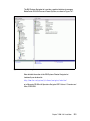
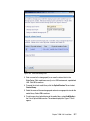
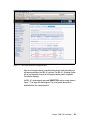
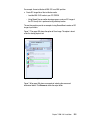
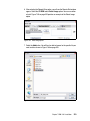
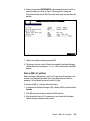
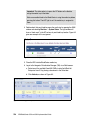
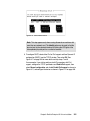
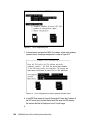
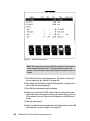
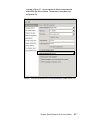
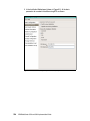
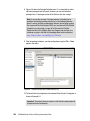
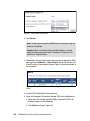
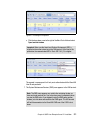
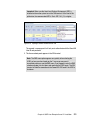
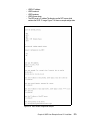
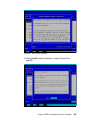
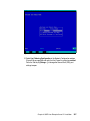
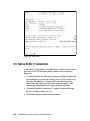
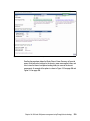
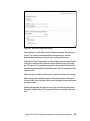
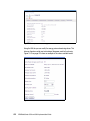
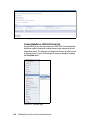
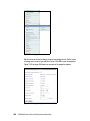
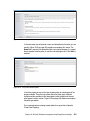
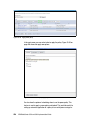
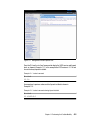
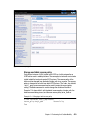
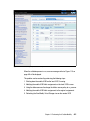
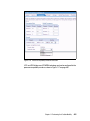
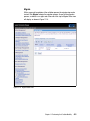
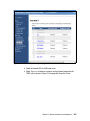
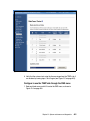
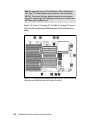
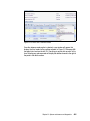
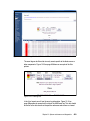
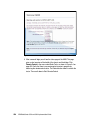
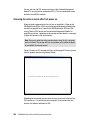
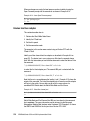
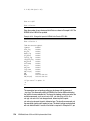
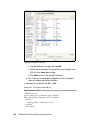
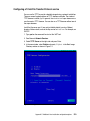
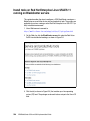
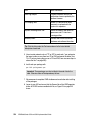
Figure 7-38 IBM System i operator console
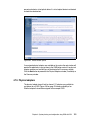
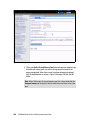
Click OK to continue.
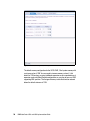
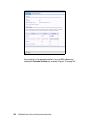
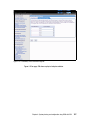
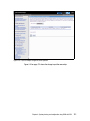
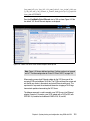
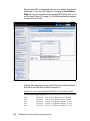
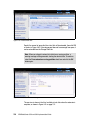
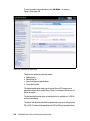
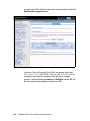
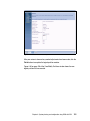
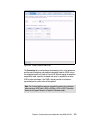
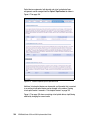
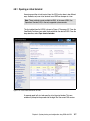
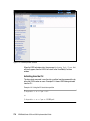
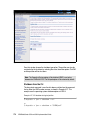
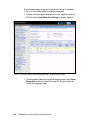
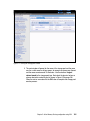
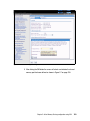
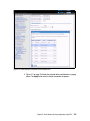
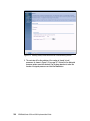
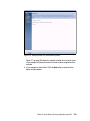
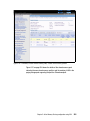
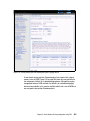
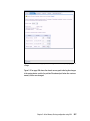
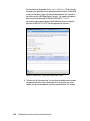
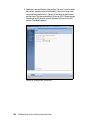
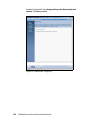
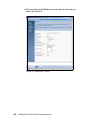
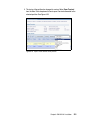
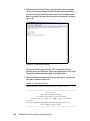
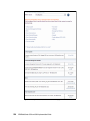
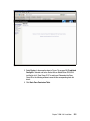
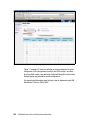
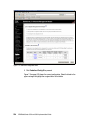
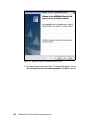
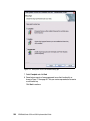
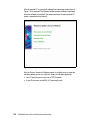
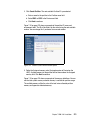
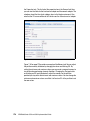
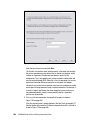
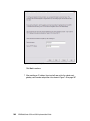
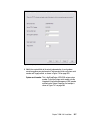
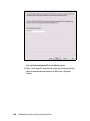
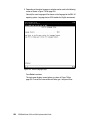
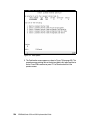
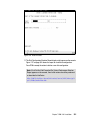
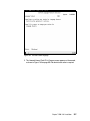
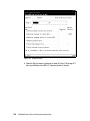
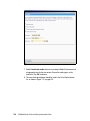
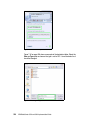
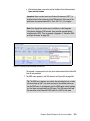
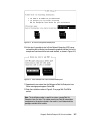
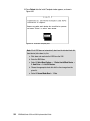
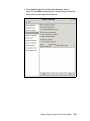
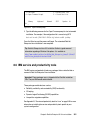
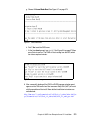
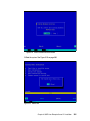
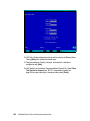
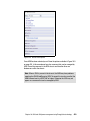
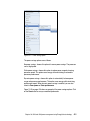
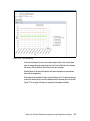
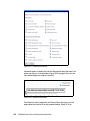
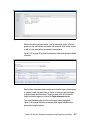
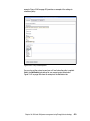
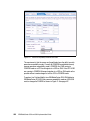
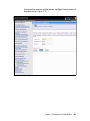
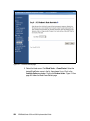
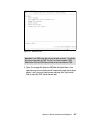
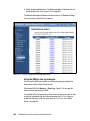
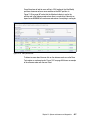
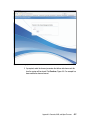
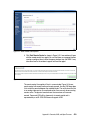
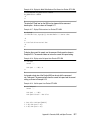
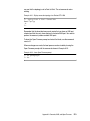
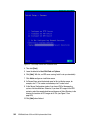
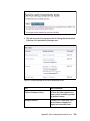
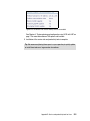
6. Enter the service TCP/IP address in the field shown in Figure 7-39 on
page 286.
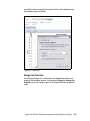
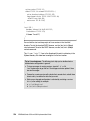
Important: Do not use the IP address from the VIO Server here. The
System i Access for Windows software establishes a connection to the IBM
i partition through the VIOS.
Chapter 7. IBM i V6.1 installation
285