1
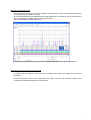
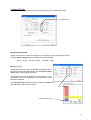
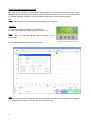
Controlling Graph Display
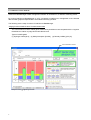
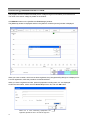
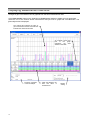
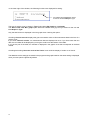
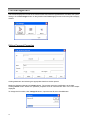
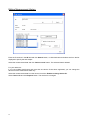
Clearing the check button on the left of the gas name in the measurement date/value table hides the graphic
display of the gas.
Check
button
that
switches
between
display and non-display
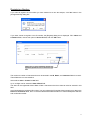
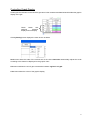
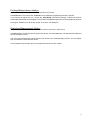
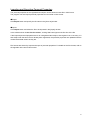
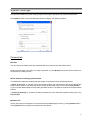
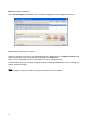
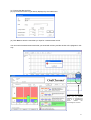
Clicking Setting button displays the menu shown as below.
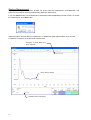
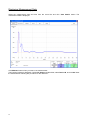
Scale menu alters the scale of the vertical axis of the chart. Autoscale automatically adjusts the scale
according to the data to be displayed on the graphic chart.
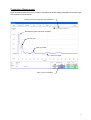
Unit menu switches the unit of gas concentration between ng/10 ml and ppb.
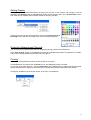
Color menu alters the colors of the graphic display.
19