1
AdonisC4-AE_Combine-F_FM.book Page 180 Thursday, May 12, 2005 3:15 PM
Administrator Setting
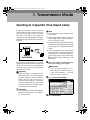
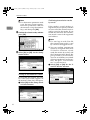
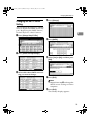
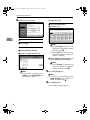
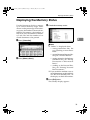
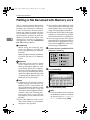
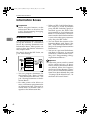
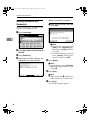
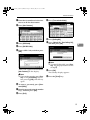
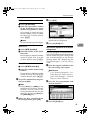
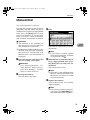
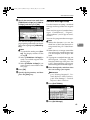
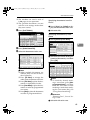
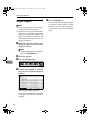
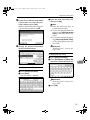
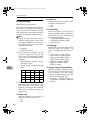
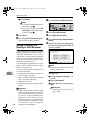
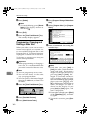
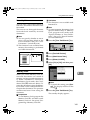
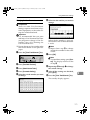
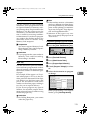
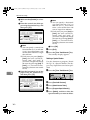
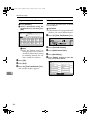
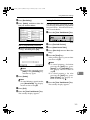
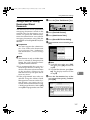
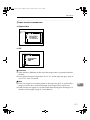
D Make sure that [Vertical] is selected.
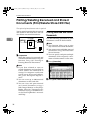
E Enter the vertical size of the paper using the number keys, and
then press [#].
Note
❒ You can specify a vertical size
from 210 mm (8.3") to 297 mm
(11.6"). You cannot enter a size
smaller than 210 mm or larger
than 297 mm.
❒ Each time you press [mm] or
[inch], the units switch between “mm” and “inch”. If
you enter a length and change
the units by pressing [mm] or
[inch], it is converted automatically (fractions are rounded off).
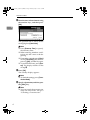
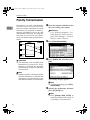
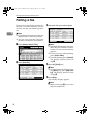
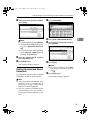
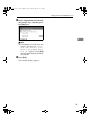
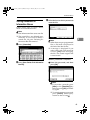
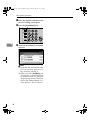
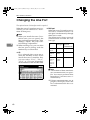
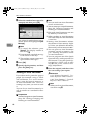
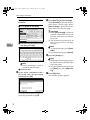
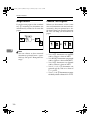
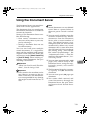
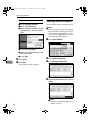
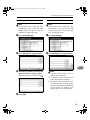
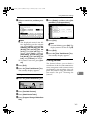
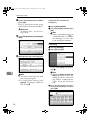
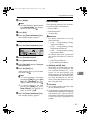
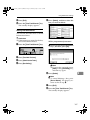
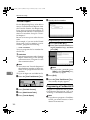
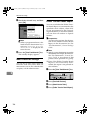
F Enter the horizontal size of the
paper using the number keys,
and then press [#].
9
Note
❒ You can specify a horizontal
size from 148 mm (5.9") to
600 mm (23.7"). You cannot
enter a size smaller than 148
mm or larger than 600 mm.
❒ Each time you press [mm] or
[inch], the units switch between “mm” and “inch”. If
you enter a length and change
the units by pressing [mm] or
[inch], it is converted automatically (fractions are rounded off).
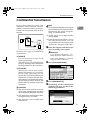
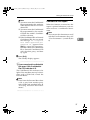
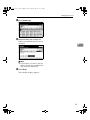
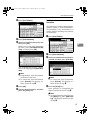
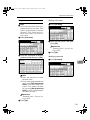
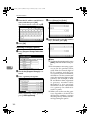
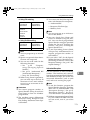
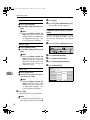
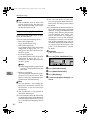
G Press [OK].
G Press [Exit].
H Press the {User Tools/Counter} key.
The standby display appears.
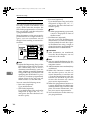
Deleting a Special Sender
Use this function to program “Initial
Set Up” of a Special Sender. The Bypass Tray Paper Size can also be specified.
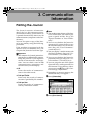
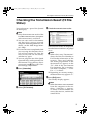
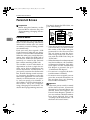
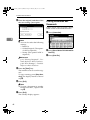
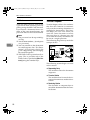
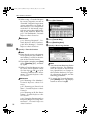
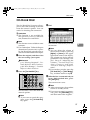
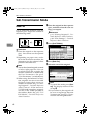
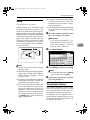
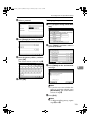
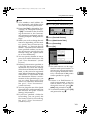
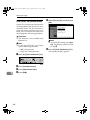
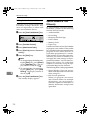
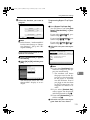
A Press the {User Tools/Counter} key.
B Press [Facsimile Features].
C Press [Administrator Tools].
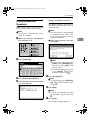
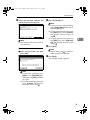
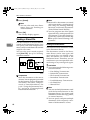
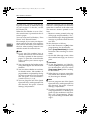
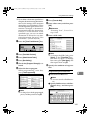
D Press [Program Special Sender].
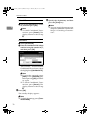
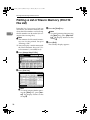
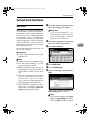
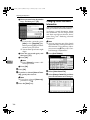
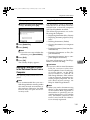
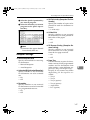
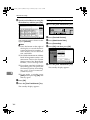
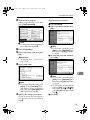
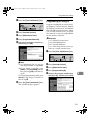
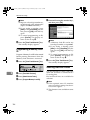
E Press [Delete], and then select the
Special Sender you want to delete.
180