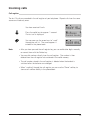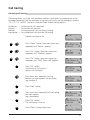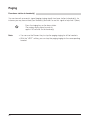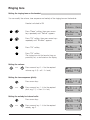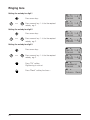
1
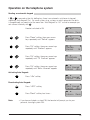
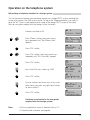
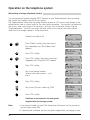
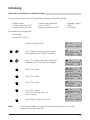
Call diversion
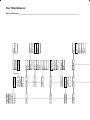
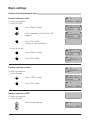
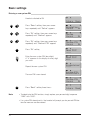
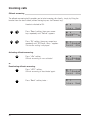
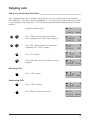
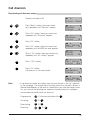
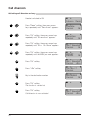
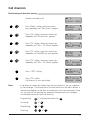
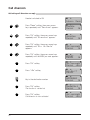
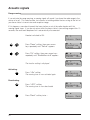
Deactivating call diversion on busy
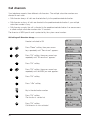
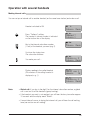
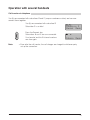
Handset switched to ON
Intern
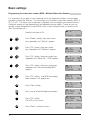
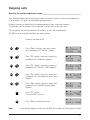
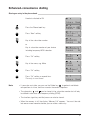
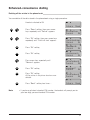
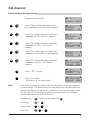
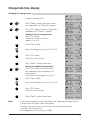
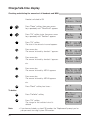
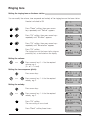
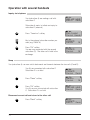
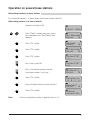
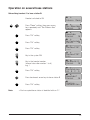
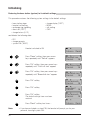
Press ”Menu” softkey, then press arrow
keys repeatedly until ”Services” appears.
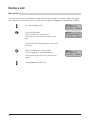
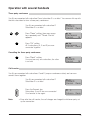
Press ”Ok” softkey, then press arrow keys
repeatedly until ”Diversion” appears.
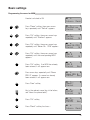
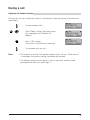
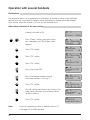
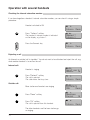
Press ”Ok” softkey, then press arrow keys
repeatedly until ”Div. On Busy” appears.
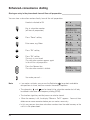
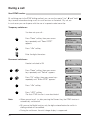
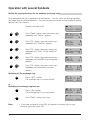
Press ”Ok” softkey, then press arrow keys
repeatedly until the MSN you want appears.
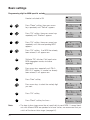
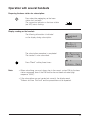
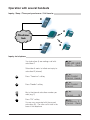
Press ”Ok” softkey, then press arrow keys
repeatedly until ”Div. On Busy” appears.
Note:
Menü
Dienste
Zurück
Ok
Umleiten
Zurück
Ok
Uml. Besetzt
Zurück
Ok
PRIVAT
Zurück
Ok
Uml. Besetzt
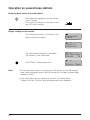
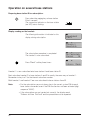
Zurück ¢Aus
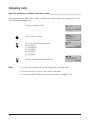
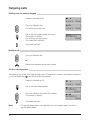
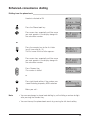
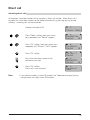
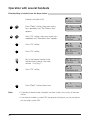
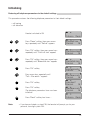
Press ”¢Off” softkey.
Ausgeführt
Zurück
Ok
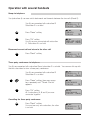
Press ”Ok” softkey.
Call diversion is now deactivated.
Uml. Sofort
Zurück ¢Aus
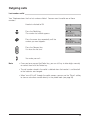
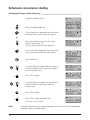
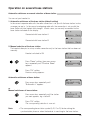
• If call diversion cannot be initiated, then the new protocol is not yet supported
by the exchange. The introduction of the new protocol to the public network is
planned and depends on the level of completion of your local exchange. However, you can use the following key sequences (keypad protocol) to program,
activate/deactivate and check call diversion.
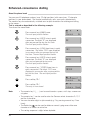
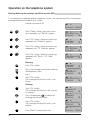
Programming:
67 diversion destination No.
Activating:
67
Deactivating:
67
Checking:
67
51