1
Schedule
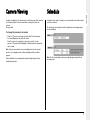
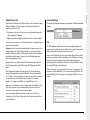
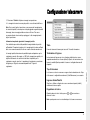
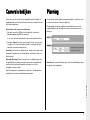
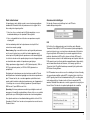
An option is available to view all cameras or selected cameras. All the cameras
are viewed by default. Cameras removed from viewing do not affect the
cameras
being recorded.
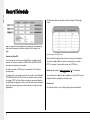
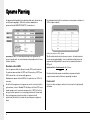
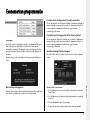
A schedule can be used to change the record rates and select whether alarms
or activity is enabled.
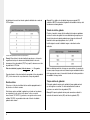
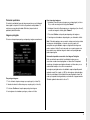
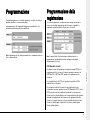
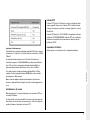
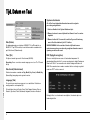
The schedule gives the option to switch to night and weekend settings at preset times and days.
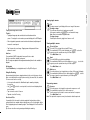
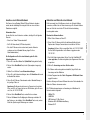
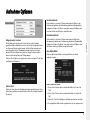
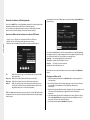
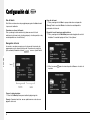
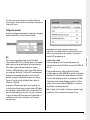
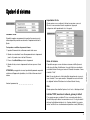
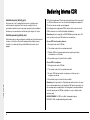
To change the cameras to be viewed
•
•
•
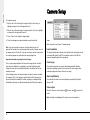
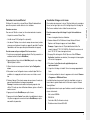
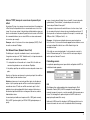
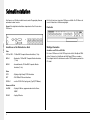
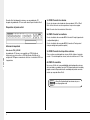
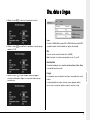
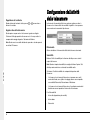
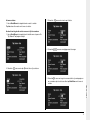
Press the ‘ ’ cursor key to change the edit field to ‘Selected cameras’.
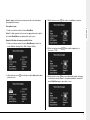
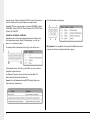
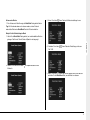
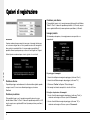
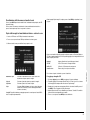
A menu will display the cameras to be viewed.
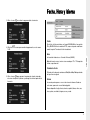
Press the camera key to toggle the camera in or out of the viewed
sequence. This camera will be displayed. A filled box denotes cameras that
can be viewed.
Note: Cameras removed from view are not displayed on the main or spot
monitor in live or playback mode, multiscreen displays will show a blank
segment.
Tip: It is advisable to set a password to stop this setting being altered by
unauthorised personnel.
Note: The Weekend setting overrides any night settings during the defined
weekend period.
13
ENGLISH
Camera Viewing