1
PLAYBACK
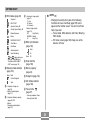
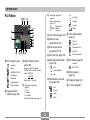
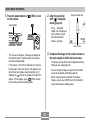
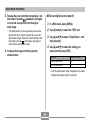
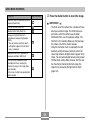
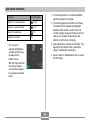
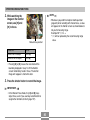
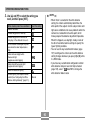
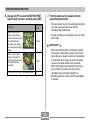
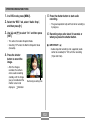
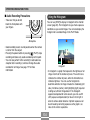
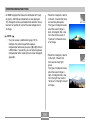
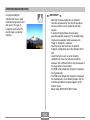
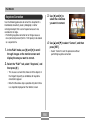
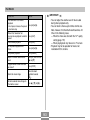
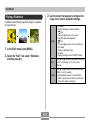
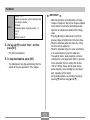
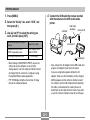
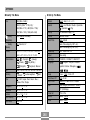
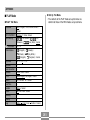
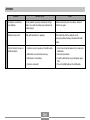
To do this:
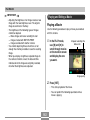
IMPORTANT!
Do this:
Fast forward or fast reverse
playback
• Each press increases the speed
one more step.
Press [왗] or [왘].
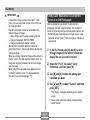
Return fast forward or fast
reverse movie playback to normal
speed
Press [SET].
Pause movie playback
Press [SET].
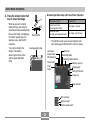
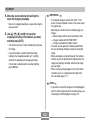
Scroll paused playback one
frame
Press [왗] or [왘].
Stop movie playback
Press [MENU].
Adjust the movie audio volume
level
Press [왔] and then use
[왖] and [왔].
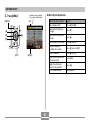
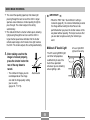
Toggle monitor screen indicators
on and off
Press [DISP].
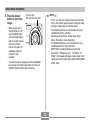
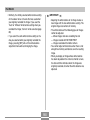
Zoom the movie image
Move the zoom
controller towards
(
).
Scroll a zoomed movie image on
the monitor screen
Use [왖], [왔], [왗], [왘].
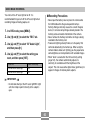
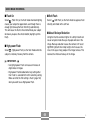
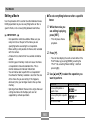
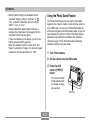
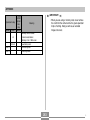
• You can adjust the volume level of movie audio
during movie playback only.
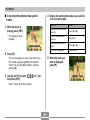
• You can zoom a movie up to 8 times normal size.
Note, however, that maximum zoom becomes 4.5
times in the following cases.
— When the movie was shot with the “LP” quality
setting (page 119)
— When playing back any movie on a TV screen
• Playback may not be possible for movies not
recorded with this camera.
163