1
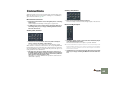
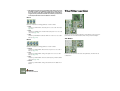
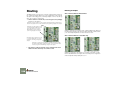
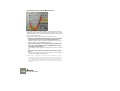
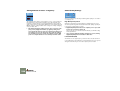
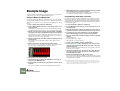
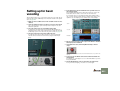
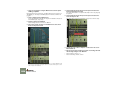
1. Open a song and start playback.
You want to choose a song that is reasonably demanding, i.e. with more
than just a few tracks and devices.
2. Open the Preferences dialog.
Under Mac OS X, this is found on the Reason menu; under all other operating systems it’s found on the Edit menu.
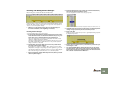
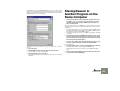
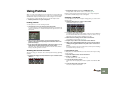
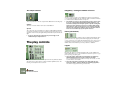
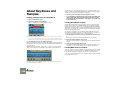
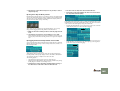
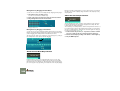
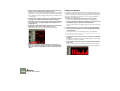
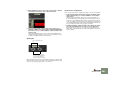
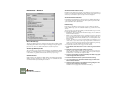
3. Select the Audio page and locate the buffer settings.
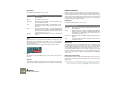
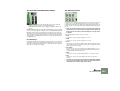
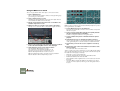
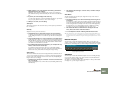
If you are using an ASIO driver, you need to click the ASIO Control Panel
button, for Mac OS X/CoreAudio, Windows/MME or DirectX you should use
the Buffer Size slider.
!
If you are making adjustments in the ASIO Control Panel for hardware with an ASIO driver, you should make a note of the current
buffer settings before changing them.
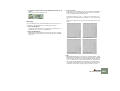
4. While the song is playing, listen closely for pops and clicks and try
lowering the latency (buffer size/number).
5. When you get pops and clicks, raise the latency value a bit.
6. Close the Preferences dialog (and ASIO Control Panel, if open).
About Latency Compensation
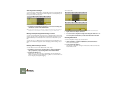
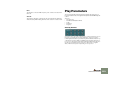
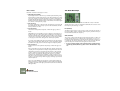
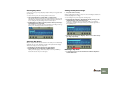
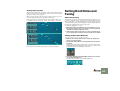
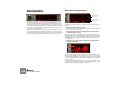
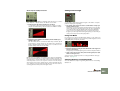
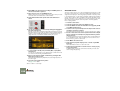
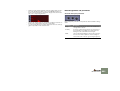
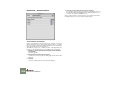
In the lower right corner of the Preferences-Audio dialog, you will find a setting
called Latency Compensation. This value is used internally in Reason to compensate for the latency when synchronizing Reason to another MIDI sequencer
or similar. Usually, Latency Compensation is set to the same value as the Output
Latency, but it is possible to increase it (see page 62). Normally however, you
shouldn’t need to touch this parameter.
Optimizing Your
Computer System
In this manual we do not have the possibility to give you detailed procedures for
optimizing your computer for maximum power. This is a subject that we could
write complete books on! However, we’d like to share a couple of important tips:
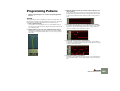
D Quit other programs that are running at the same time as Reason.
D Remove background tasks on your computer.
This might be any background utilities you have installed as well as networking, background internet activities etc.
D Under Windows, make sure you use the latest and most efficient
driver for your audio card.
Generally, ASIO drivers are the most efficient, followed by DirectX and last
MME.
D Only work on one Reason document at a time.
Songs that are open in the background do consume some processing
power even though they’re not playing.
D Lower the sample rate setting on the Preferences dialog.
While this also reduces sound quality, it is a very quick and convenient way
to try to play a song that your computer otherwise can’t handle.
D Make sure your computer display is set to 16-bit colors.
Under Windows, this mode is called “High Color”; under Mac OS it is called
“Thousands of colors”.
OPTIMIZING PERFORMANCE
67