1
4
Command Line Interface
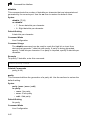
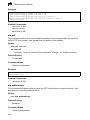
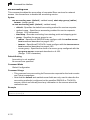
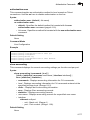
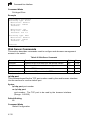
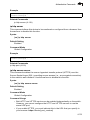
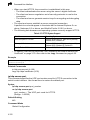
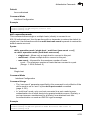
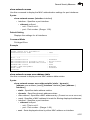
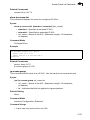
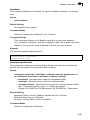
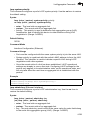
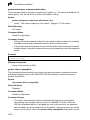
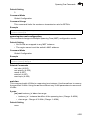
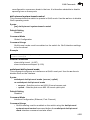
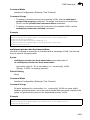
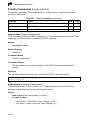
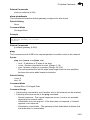
giga-phy-mode
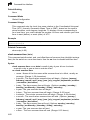
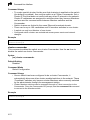
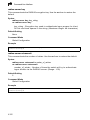
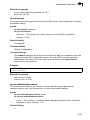
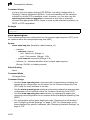
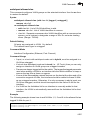
This command forces two connected ports in to a master/slave configuration to
enable 1000BASE-T full duplex. Use the no form to restore the default mode.
Syntax
giga-phy-mode mode
no giga-phy-mode
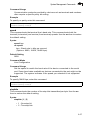
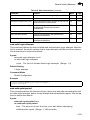
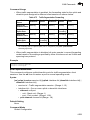
mode
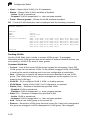
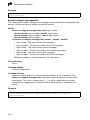
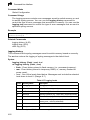
• master - Sets the selected port as master.
• slave - Sets the selected port as slave.
• auto-prefer-master - Uses master mode as the initial configuration
setting regardless of the mode configured at the other end of the link.
• auto-prefer-slave - Uses slave mode as the initial configuration
regardless of the mode configured at the other end of the link.
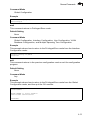
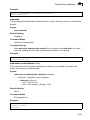
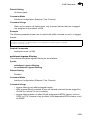
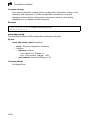
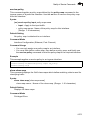
Default Setting
master
Command Mode
Interface Configuration (Ethernet)
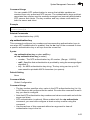
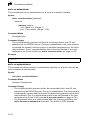
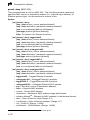
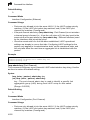
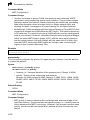
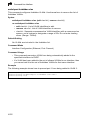
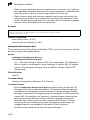
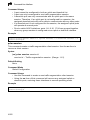
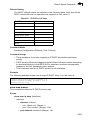
Command Usage
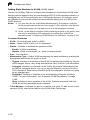
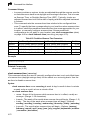
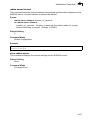
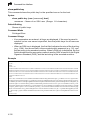
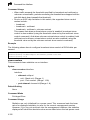
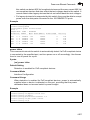
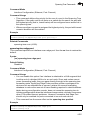
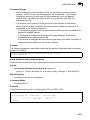
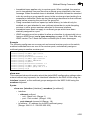
• The 1000BASE-T standard does not support forced mode. Auto-negotiation
should always be used to establish a connection over any 1000BASE-T port
or trunk. If not used, the success of the link process cannot be guaranteed
when connecting to other types of switches. However, this switch does
provide a means of forcing a link to operate at 1000 Mbps, full-duplex using
the giga-phy-mode command.
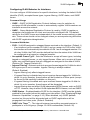
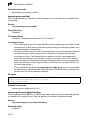
• To force 1000full operation requires the ports at both ends of a link to establish
their role in the connection process as a master or slave. Before using this
feature, auto-negotiation must first be disabled, and the Speed/Duplex
attribute set to 1000full. Then select compatible Giga PHY modes at both
ends of the link. Note that using one of the preferred modes ensures that the
ports at both ends of a link will eventually cooperate to establish a valid
master-slave relationship.
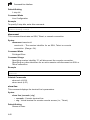
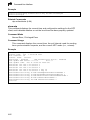
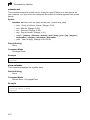
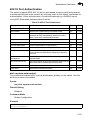
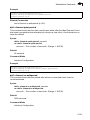
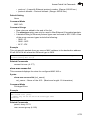
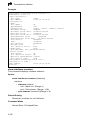
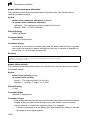
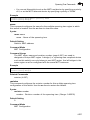
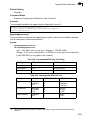
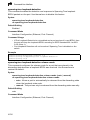
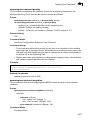
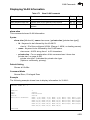
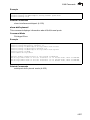
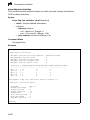
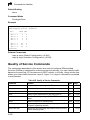
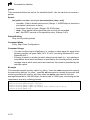
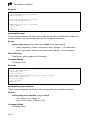
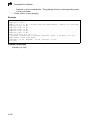
Example
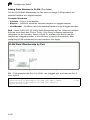
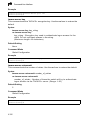
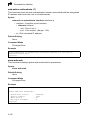
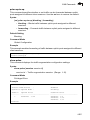
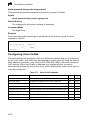
This forces the switch port to master mode on port 24.
Console(config)#interface ethernet 1/24
Console(config-if)#no negotiation
Console(config-if)#speed-duplex 1000full
Console(config-if)#giga-phy-mode master
Console(config-if)#
4-188