1
8
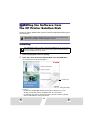
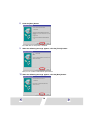
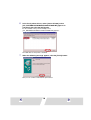
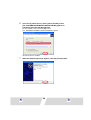
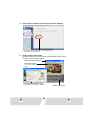
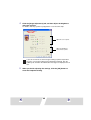
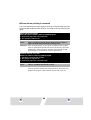
Click the [Browse] button, select the [CNY300.inf] file in the
[\CP_DRV\ENGLISH\WIN2K\CP300] folder on the CD-ROM, click
the [OPEN] button, then click the [OK] button.
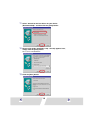
For the CP-200, select the [CNY200.inf] file in the
[\CP_DRV\ENGLISH\WIN2K\CP200] folder.
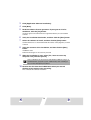
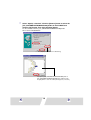
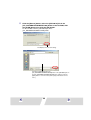
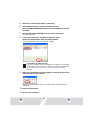
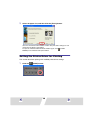
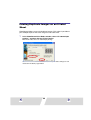
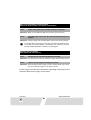
This displays the Locate File dialog.
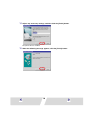
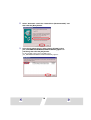
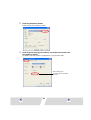
Specify the [CNY300.inf] file in the
[\CP_DRV\ENGLISH\WIN2K\CP300] folder or the [CNY200.inf] file in
the [\CP_DRV\ENGLISH\WIN2K\CP200] folder, and then click the
[Open] button to enter the folder path at [Copy manufacturer’s files
from:].
23