1
CD8445.book 71 ページ
2004年12月13日 月曜日 午前11時30分
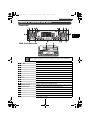
Basic operation
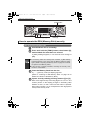
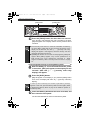
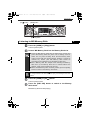
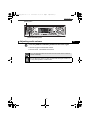
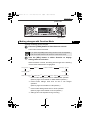
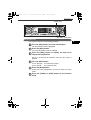
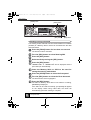
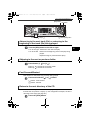
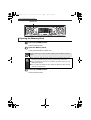
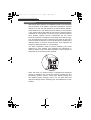
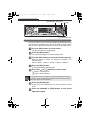
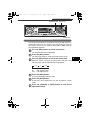
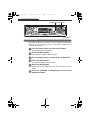
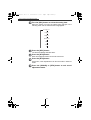
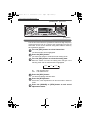
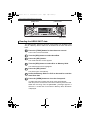
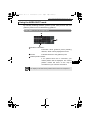
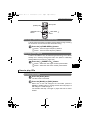
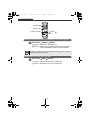
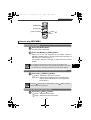
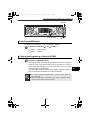
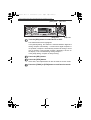
[SEL] button
Button [6]
[RTN] button
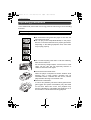
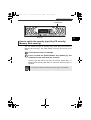
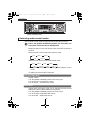
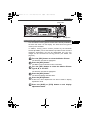
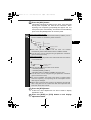
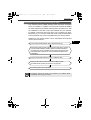
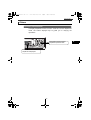
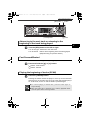
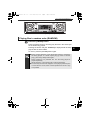
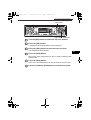
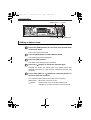
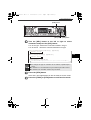
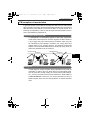
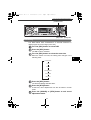
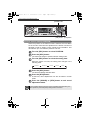
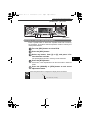
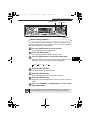
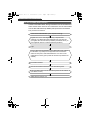
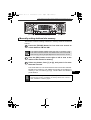
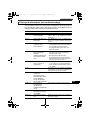
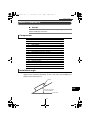
Turn the [SEL] button to the left or right to select
IV
characters.
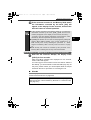
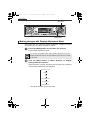
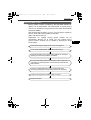
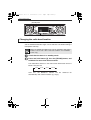
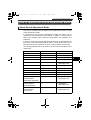
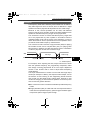
Turn to the right: Advances the character forward in its type.
Turn to the left: Moves the character backward in its type.
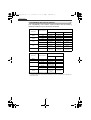
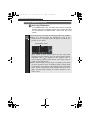
[Upper-case alphabet characters] Initial value [A]
A¡B¡C¡...X¡Y¡Z
[Numeric characters] Initial value [1]
1¡2¡3¡...8¡9¡0
[Right direction]
[Right direction]
[Symbol] Initial value [!]
[Right direction]
!¡"¡#¡$¡%¡&¡’¡(¡)¡*¡+¡,¡–¡.¡/¡:¡;¡<¡=¡>¡?¡@¡´¡_
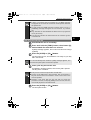
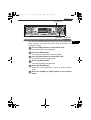
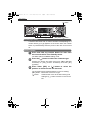
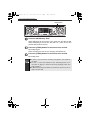
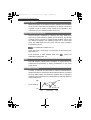
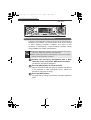
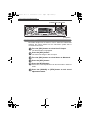
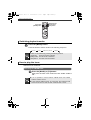
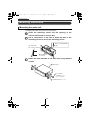
Press the [SEL] button to select characters.
● To change the type of character to be entered, repeat steps 2
and 3.
● A maximum of 10 characters may be entered per memo.
● A maximum of 5 memos may be stored.
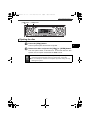
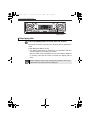
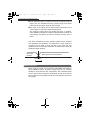
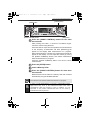
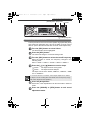
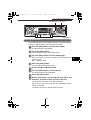
Press the [RTN] button.
Memo settings are now completed.
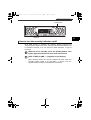
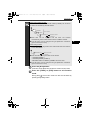
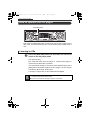
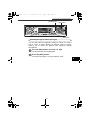
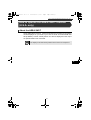
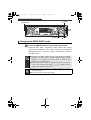
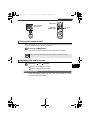
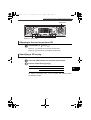
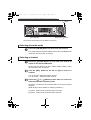
Deleting a memo
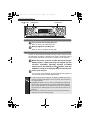
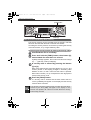
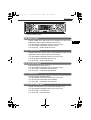
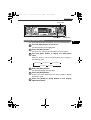
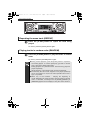
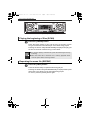
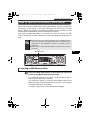
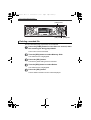
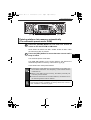
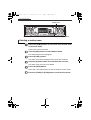
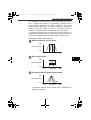
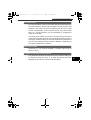
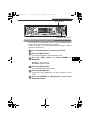
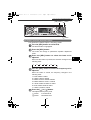
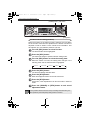
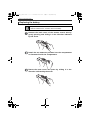
Press the number button corresponding to the
memo to be deleted for more than two seconds
while the power is turned off.
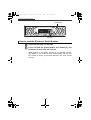
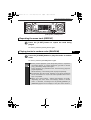
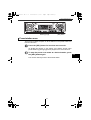
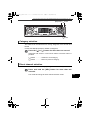
Press the [6] button for more than two seconds.
The memo will be deleted.
71