1
CLEARING THE PASSWORD
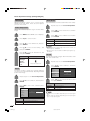
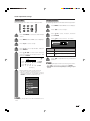
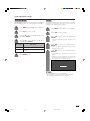
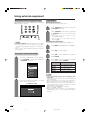
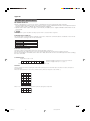
If you forget the password, clear the password using the following procedure.
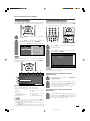
1
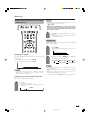
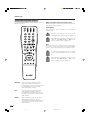
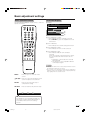
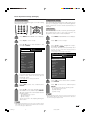
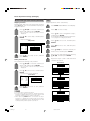
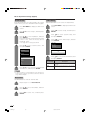
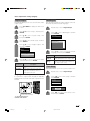
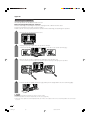
Press MENU to display the MENU screen, and then press c/d to select “Setup”.
2
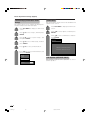
Press a/b to select “Auto Installation”, “Programme Setup”, “Child Lock”, and the password
input screen displays.
– – – –
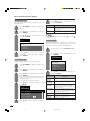
3
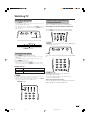
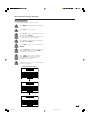
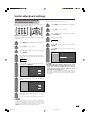
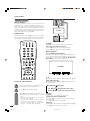
Press and hold both CHr and VOLk on the TV simultaneously until the message appears on
the screen.
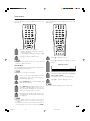
• The password resets to the factory preset “1234”.
The Password is
.
NOTE
• As a precautionary measure, make a note of your password above, scissor it from this manual, and keep it in a familiar
place.
60
LC-GD7X_E-m
60
06.9.29, 11:52 AM