1
XL-35H
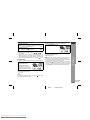
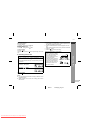
To stop recording:
Press the button.
The tape will stop. When the
stop.
button.
button.
button is pressed again, the CD will
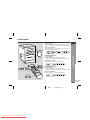
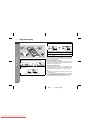
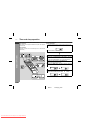
! Recording from the radio
1
Tune in to the desired station (see page 14).
2
Load a cassette into the cassette compartment with the
side to be recorded on facing you.
Wind past the leader of the tape, on which recording cannot be
performed.
3
Press the
ENGLISH
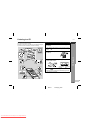
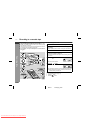
! Erasing a recorded tape
button.
1. Load the tape to be erased into the cassette compartment with
the side to be erased facing toward you.
2. Press the FUNCTION button until "TAPE" appears on the display.
When operating with the remote control, press the TAPE button.
3. Press the
button.
4. Press the
( ) button to start erasing.
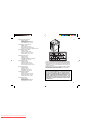
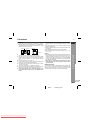
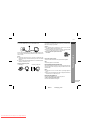
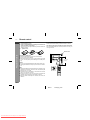
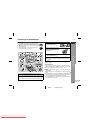
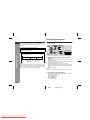
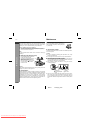
Erase-prevention tabs of cassette tapes:
" When recording on a cassette
tape, make sure that the eraseprevention tabs are not removed. Cassettes have removable tabs that prevent
accidental recording or erasing.
" To protect the recorded sound,
remove the tab after recording.
Cover the tab hole with the adhesive tape to record on the
tape without the tab.
Side A
Tab for side B Tab for side A
Recording will be paused.
4
Press the
Tape Recording
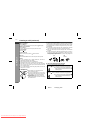
To interrupt recording:
Main unit operation:
Press the
button.
To resume recording, press the
Remote control operation:
Press the button.
To resume recording, press the
( ) button.
To stop recording:
Press the button.
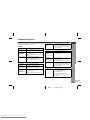
Notes:
" If you hear a whistling noise whilst recording an AM station, move
the AM loop aerial.
" Whilst recording from the radio, the recording pause function
does not work.
E-18
02/9/11
Downloaded From Disc-Player.com Sharp Manuals
XL35H_H_E3_2.fm
1
2
3
4
5
6
7
8