1
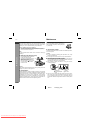
Listening to a CD
ENGLISH
1
2
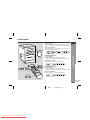
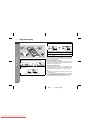
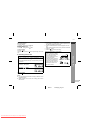
Press the ON/STAND-BY button to turn the power on.
3
Press the
ment.
4
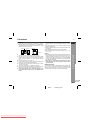
Place a CD on the spindle, label side up.
5
Close the CD compartment by firmly pushing the corner
marked "PUSH CLOSE".
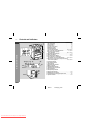
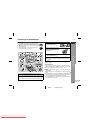
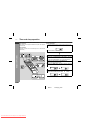
Press the FUNCTION button until "CD STOP" appears on
the display.
When operating with the remote control, press the CD button.
CD EJECT button to open the CD compart-
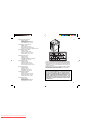
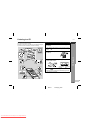
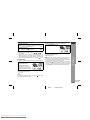
Total number
of tracks
6
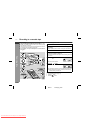
Press the
Total playing
time
CD Playback
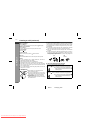
This system can play audio CD-R and CD-RW discs just like CD
discs, but cannot perform recording.
Playback of audio CD-R or CD-RW may not be performed depending on the disc state or the device you used for recording.
XL-35H
( ) button to start playback from track 1.
When the last track on the disc has finished playing, the CD
player will stop automatically.
E-10
02/9/11
Downloaded From Disc-Player.com Sharp Manuals
XL35H_H_E2.fm
1
2
3
4
5
6
7
8