1
Configuring the Distributed I/O (DP)
3.12.3
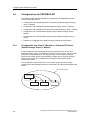
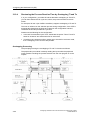
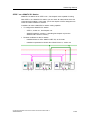
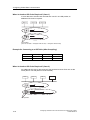
Connecting a PG/PC to a Constant-Cycle PROFIBUS network via
Industrial Ethernet and an IE/PB Link
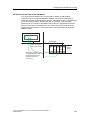
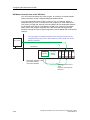
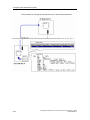
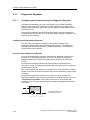
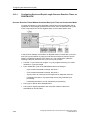
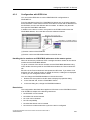
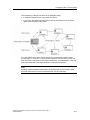
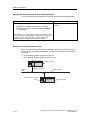
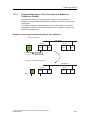
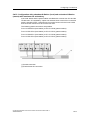
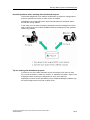
The IE/PB link (Version 1.3) can be connected with the DP interface to a constantcycle PROFIBUS-DP.
This configuration allows you to use the programming device/PC connected to the
Industrial Ethernet to access stations on the constant-cycle PROFIBUS-DP
(routing).
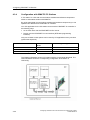
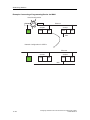
Configuring the IE/PB Link as the S7 Router
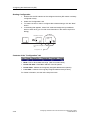
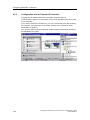
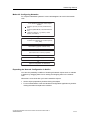
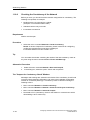
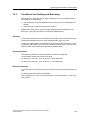
To configure the IE/PB link, proceed as follows:
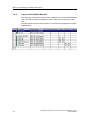
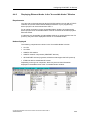
1. Create a station of type SIMATIC 300.
2. Using drag & drop, add the IE/PB-Link (V1.3) to the station.
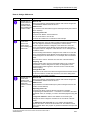
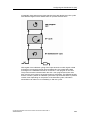
3. When adding the link, you will have to edit dialog boxes as follows:
-
To set the properties for the Industrial Ethernet interface, and
-
To set the properties for the PROFIBUS interface.
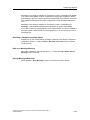
After the IE/PB link has been added, it is in "DP master" operating mode.
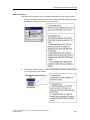
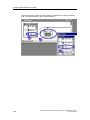
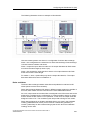
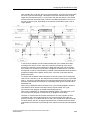
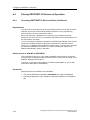
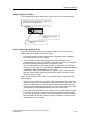
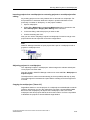
4. Double-click the "PROFIBUS/DP" line for the IE/PB link.
5. Select the "Operating mode" tab.
6. Select the "No DP" option.
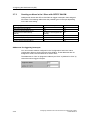
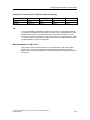
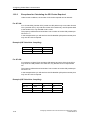
In this operating mode, the IE/PB link at the PROFIBUS behaves like a
programming device/PC.
Configuring Hardware and Communication Connections with STEP 7
A5E00706939-01
3-91