1
42
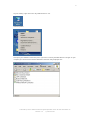
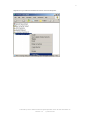
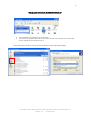
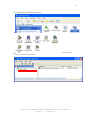
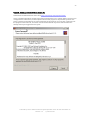
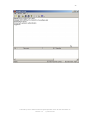
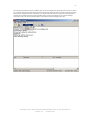
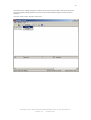
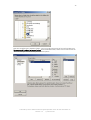
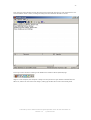
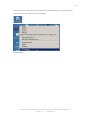
From the main server window click on the Server menu and make sure there is a tick next to Active. This
ensures that the server is active, running and ready to receive data from the WFT-E1A unit.
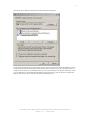
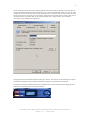
Ensure your server shows as running in the taskbar here shown as the FZ (Filezilla) logo.
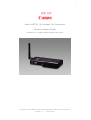
Stage 2 is now complete, the computer is ready to receive pictures via your wireless network from the
WFT-E1A, and we can now move onto stage 3, setting up the WFT-E1A on the camera body itself.
Authored by Simon Adams Product Support Specialist Canon UK RCC December 05
Revision 1.2
© Canon 2006