1
Section 7-1
Monitoring Operation and Modifying Data
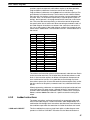
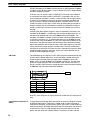
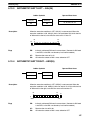
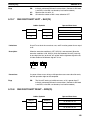
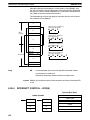
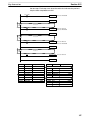
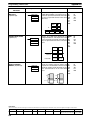
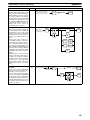
Bit status will remain ON or OFF only as long as the key is held down; the
original status will return as soon as the key is released. If a timer is started,
the completion flag for it will be turned ON when SV has been reached.
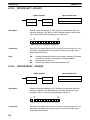
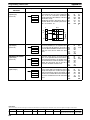
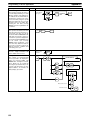
SHIFT and PLAY/SET or SHIFT and REC/RESET can be pressed to maintain the status of the bit after the key is released. The bit will not return to its
original status until the NOT key is pressed, or one of the following conditions
is met.
1. The Force Status Clear operation is performed.
2. The PC mode is changed.
3. Operation stops due to a fatal error or power interruption.
4. The I/O Table Registration operation is performed.
Note With the CPU11-E, the bit status will be maintained when switching from
PROGRAM to MONITOR mode if the Force Status Hold Flag is ON and has
been enabled with the Set System operation (SYS(49)).
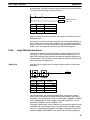
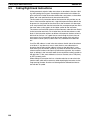
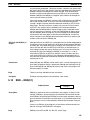
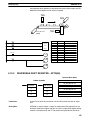
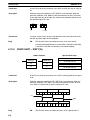
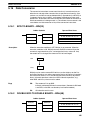
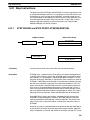
This operation can be used in MONITOR mode to check wiring of outputs
from the PC prior to actual program execution. This operation cannot be
used in RUN mode.
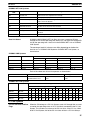
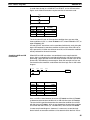
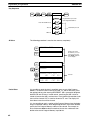
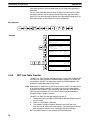
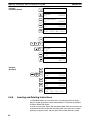
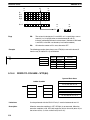
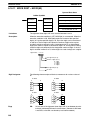
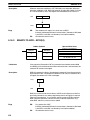
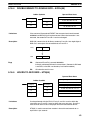
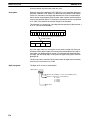
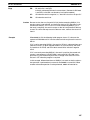
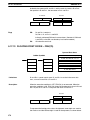
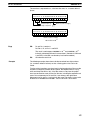
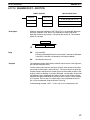
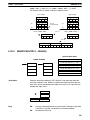
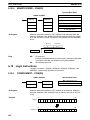
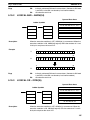
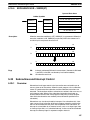
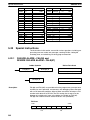
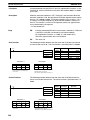
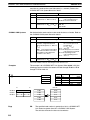
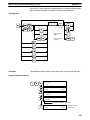
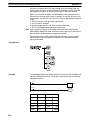
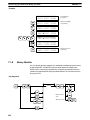
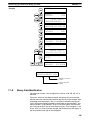
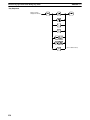
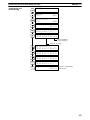
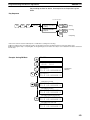
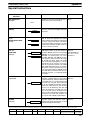
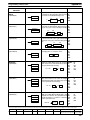
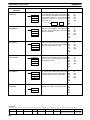
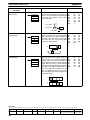
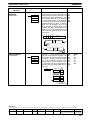
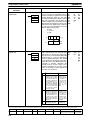
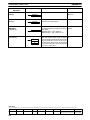
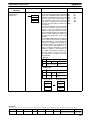
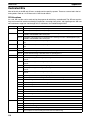
Key Sequence
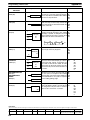
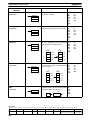
Example
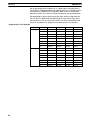
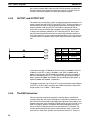
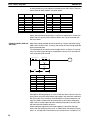
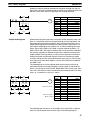
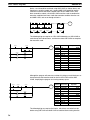
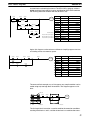
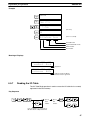
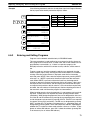
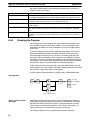
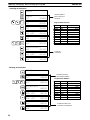
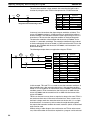
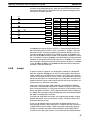
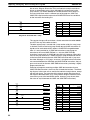
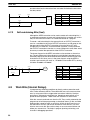
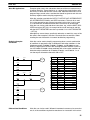
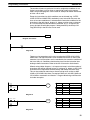
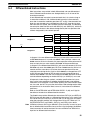
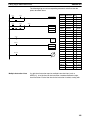
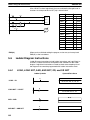
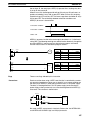
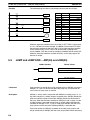
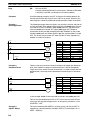
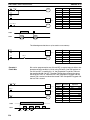
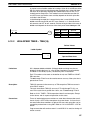
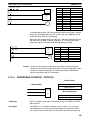
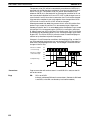
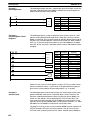
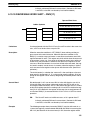
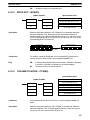
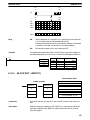
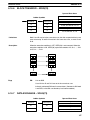
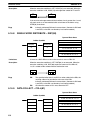
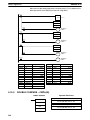
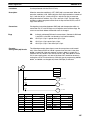
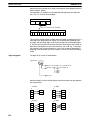
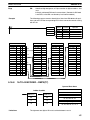
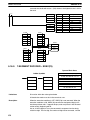
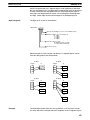
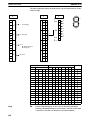
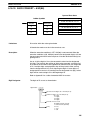
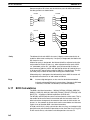
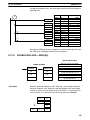
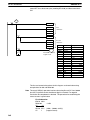
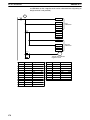
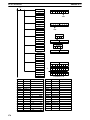
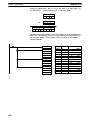
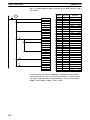
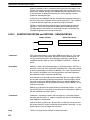
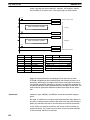
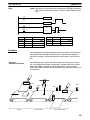
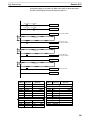
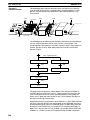
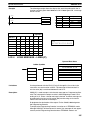
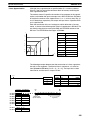
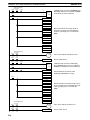
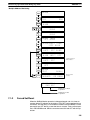
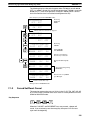
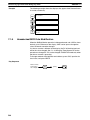
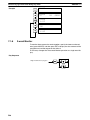
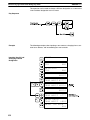
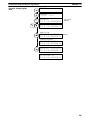
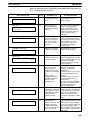
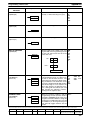
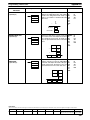
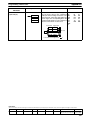
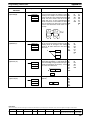
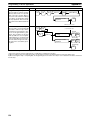
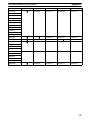
The following example shows how either bits or timers can be controlled with
the Force Set/Reset operation. The displays shown below are for the following program section.
00002
TIM 000
#0123
TIM 000
00500
Address
Instruction
00200
LD
00201
TIM
Data
00002
000
#
242
00202
LD
00205
OUT
TIM
0123
000
00500
012.3 s