1
d. Single Slide Scanning
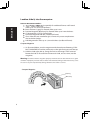
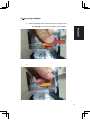
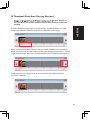
t Load the empty magazine into the tunnel FIRST until it touches the slide
ENGLISH
transport arm completely. Slide the magazine forward to be sure that the
rst slot of the magazine.
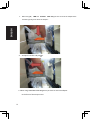
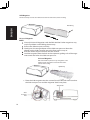
t Press the eject button [I] to make the slide holder open exposing the loaded
slide.
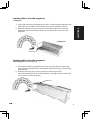
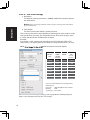
t Place the slide as illustrated [I] into the slide holder and press the slide holder
down [II].
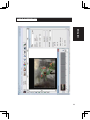
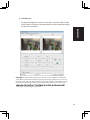
t Open the CyberView X 5.0 driver program to scan the slide.
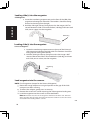
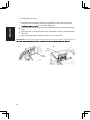
Attention! When using the single slide scanning function, please check the slide transport arm
.
I.
II.
Slide
Holder
Eject
Button
16