1
ENG
13 USE OF THE FALCON THREE REMOTER SOFTWARE
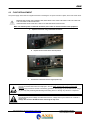
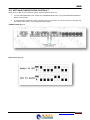
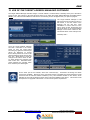
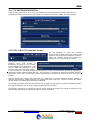
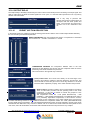
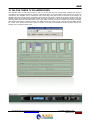
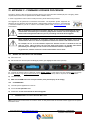
Start window of the
Falcon Three TV SDI
13.1 ACCESS VIA SERIAL CONNECTION
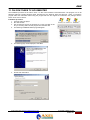
11 To work on the Falcon Three TV SDI, after having allocated
the Port and TCP/IP values it is necessary to use the Falcon
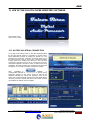
Three REMOTER program by clicking the special icon. The
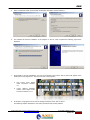
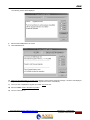
window below shows the connection via Rs232 serial port to
the Falcon Three TV SDI. As can be seen, a Serial connection
is being used on the COM3 port of the PC in use. The serial
connection is the fastest one to set up; connect the Pin-to-Pin
serial cable supplied in the Falcon Three TV SDI box and click
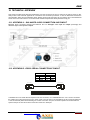
CONNECT; the control panel for the management of the device
will appear. For a TCP/IP connection see the next chapter.
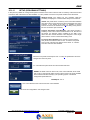
Click
CONNECT to
establish
a
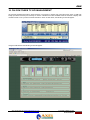
communication between the software and the device; all the
information present on the Falcon Three TV SDI will be
displayed including the status and operating mode of the
device. The control panel will change format and display all the
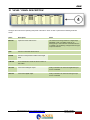
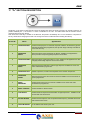
necessary controls to operate the device. The various controls
are explained in detail in the next chapters.
Axel Technology srl www.axeltechnology.com
USE OF THE FALCON
THREE REMOTER SOFTWARE
21