1
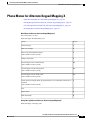
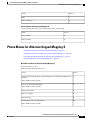
Responding to a Dispatch Message by Using the Phone Keypad
Responding to Dispatch Messages
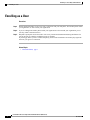
• Dispatch messages trigger the message indicator on your phone. If another recipient accepts a dispatch
message, Connection turns off the indicator after it removes the message from your mailbox. There may
be a window of time between message removal and the indicator going off. If you find no new messages
after noting the indicator, it likely is because you checked during this window.
• When configuring message notification rules to include dispatch messages, be aware that by the time
you receive a notification and call in to retrieve the message, it may be gone from your mailbox because
another user has already accepted the message.
Related Topics
•
About Dispatch Messages, page 27
Responding to a Dispatch Message by Using the Phone Keypad
Procedure
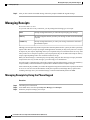
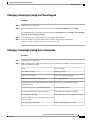
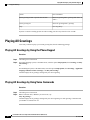
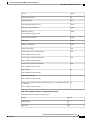
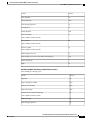
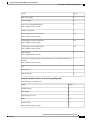
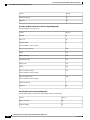
After listening to a dispatch message, follow the prompts to accept, decline, or postpone the message.
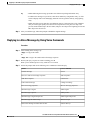
Responding to a Dispatch Message by Using Voice Commands
Procedure
Step 1
Step 2
Call and sign in to Connection.
When Connection asks, "What do you want to do," say:
"Play dispatch messages."
Step 3
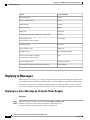
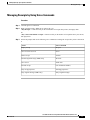
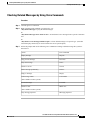
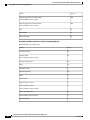
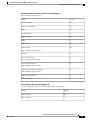
After listening to a dispatch message, follow the prompts and use the following voice commands to respond
to the message:
Action
Voice Command
Accept the message
"Accept"
Decline the message
"Decline"
Postpone the message
"Postpone"
User Guide for the Cisco Unity Connection Phone Interface (Release 8.x)
28
OL-21232-01