1
CX208/212 Programming Guide
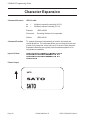
Reverse Image
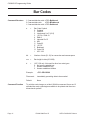
Command Structure
<ESC>(aaaa,bbbb
a
=
b
=
Horizontal length in dots of reverse image area
See note 6 for allowable range.
Vertical height in dots of reverse image area.
See note 6 for allowable range.
Example:
<ESC>(100,50
Placement:
be
This command must be preceded by all other data and
placed just before <ESC>Q
Default:
None
Command Function
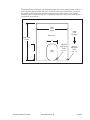
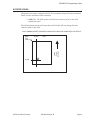
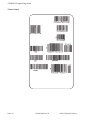
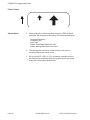
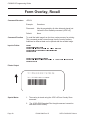
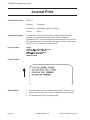
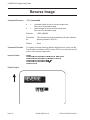
To reverse an image area from black to white and vice versa. Use the
Print Position commands (<ESC>H and <ESC>V) to locate the top left
corner of the reverse image area.
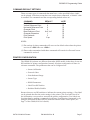
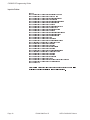
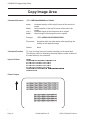
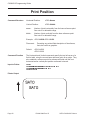
Input to Printer
<ESC>A
<ESC>H0050<ESC>V0120<ESC>L0202<ESC>WB1REVERSE
<ESC>H0250<ESC>V0300<ES C>L0202<ESC>WB1HALF
<ESC>H0040<ESC>V0110<ESC>(370,100
<ESC>H0240<ESC>V0290<ESC>(220,47
<ESC>Q1<ESC>Z
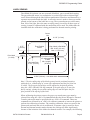
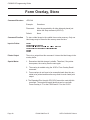
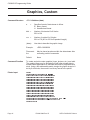
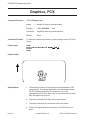
Printer Output
Page 61
PN 9001092 Rev. B
SATO CX208/212 Printers