1
Note that the first time the file scan is done a file called ‘.reciva_media_cache’ is written
to the folder where the audio files are stored. This is in order to speed up subsequent file
scans.
Listening to a single shared track
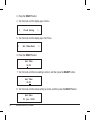
1. Turn the knob until ‘By Artist’ is displayed.
2. Press the SELECT button.
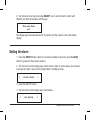
3. Turn the knob until the required artist is displayed.
4. Press the SELECT button.
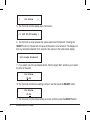
5. Turn the knob until the required album name is displayed.
6. Press the SELECT button. ‘[Add to Queue]’ will be displayed.
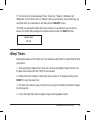
7. Turn the knob until the required track is displayed.
8. Press the SELECT button. The track will begin playing.
Listening to a complete shared album
1. Turn the knob until ‘By Artist’ is displayed.
2. Press the SELECT button.
3. Turn the knob until the required artist is displayed.
26
Wireless Internet & FM Radio