1
<
Set Alarm
>
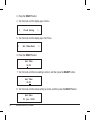
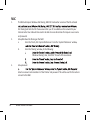
5. Turn the knob until the display says <Set Alarm>.
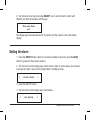
< 1 OFF 00:00 Sunday >
6. Turn the knob to swap between the various alarms and ‘Disable All’. Pressing the
SELECT button on ‘Disable All’ will cause all the alarms to be turned off. The display will
then say ‘All alarms disabled’ for 3 seconds, then returns to the radio station display.
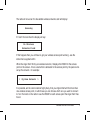
All alarms disabled
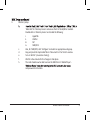
7. If you select one of the numbered alarms, then the Argon iNet1 will allow you to select
the time for the alarm.
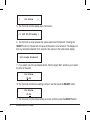
Set Alarm
15:06
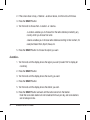
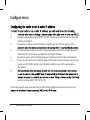
10.Turn the knob until the hour setting is correct, and then press the SELECT button.
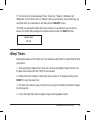
Set Alarm
07:06
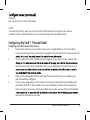
11.Turn the knob until the minute setting is correct, and then press the SELECT button.
22
Wireless Internet & FM Radio