1
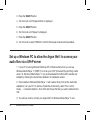
Set up a Windows PC to allow the Argon iNet1 to access your audio files via a UPnP server..................................30
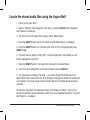
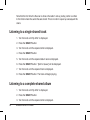
Locating and playing media files using the Argon iNet1 and UPnP............................................................................32
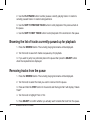
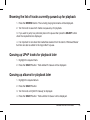
Browsing the list of tracks currently queued up for playback.....................................................................................33
Queuing up UPnP tracks for playback later................................................................................................................33
Queuing up albums for playback later........................................................................................................................33
Controlling playback....................................................................................................................................................34
Removing tracks from the queue................................................................................................................................34
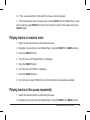
Playing tracks in random order...................................................................................................................................35
Playing tracks in the queue repeatedly.......................................................................................................................35
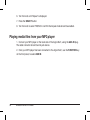
Playing media files from your MP3 player...................................................................................................................36
37
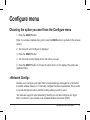
Configure menu
Choosing the option you want from the Configure menu...........................................................................................37
<Network Config>.......................................................................................................................................................37
Configuring the Argon iNet1 to only use a wired Ethernet connection...........................................................38
Configuring the Argon iNet1 to only use a Wi-Fi connection..........................................................................38
Configuring the Argon iNet1 to use either an Ethernet or a wireless connection...........................................38
<Version>.....................................................................................................................................................................39
<Upgrade Firmware>..................................................................................................................................................39
<Language>................................................................................................................................................................40
<Factory Reset>..........................................................................................................................................................40
<Register>...................................................................................................................................................................40
<Clock>.......................................................................................................................................................................40
<Backlight>.................................................................................................................................................................40
<WiFi Strength>...........................................................................................................................................................41
Configuring ‘My Stuff’
42
Registering an account on Argon’s website................................................................................................................42
Configuring ‘My Profile’...............................................................................................................................................42
Configuring ‘My Stations’............................................................................................................................................43
Configuring ‘My Streams’............................................................................................................................................44
Configuring ‘My Podcasts’..........................................................................................................................................44
Troubleshooting..................................................................................................................................................................45
Software licence information .............................................................................................................................................47
Added additional User information .................................................................................................................................................................................... 48-
Wireless Internet & FM Radio