1
®
®
CyberResearch Displays
CYRAQ 19H
4.2.5 Drawing Test
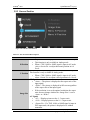
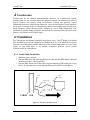
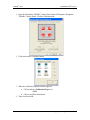
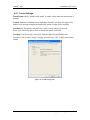
Use the Test Feature to ensure calibration is accurate. Once you have calibrated your
touchscreen, you may select the “Test” button located on the calibration tab of the control
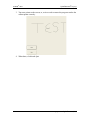
panel. This is a simple drawing program that you may use to determine if you
touchscreen is working properly.
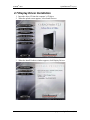
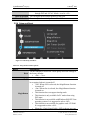
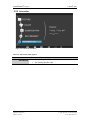
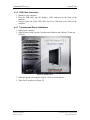
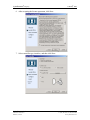
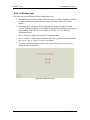
1. Open the Hampshire TSHARC Control Panel (Start\All Programs\ Hampshire
TSHARC Control Panel).
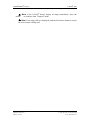
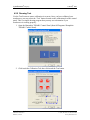
2. Click/touch the Calibration Tab, then click/touch the Test button
CyberResearch, Inc.
25 Business Park Drive
Branford, CT USA
43
P: (203) 483-8815; F: (203) 483-9024
www.cyberresearch.com