1
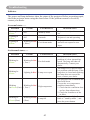
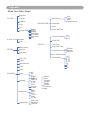
MENU (PC Mode)
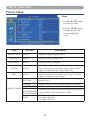
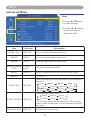
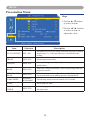
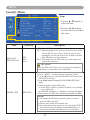
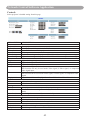
Picture Menu
Step:
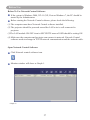
1.Use the ▲ /▼ buttons to
select an item.
007
2.Use the ◄ / ► cursor
buttons to select an item or
adjust the value.
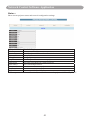
Item
Selection
Description
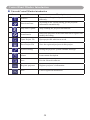
BRIGHTNESS
000/100
Adjust the image brightness level.
CONTRAST
000/100
Adjust the image contrast level.
SHARPNESS
000/015
Adjusts the image sharpness.
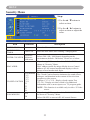
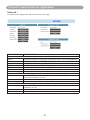
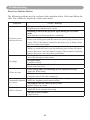
NATURAL
Natural color.
CINEMA
DAYLIGHT
DISPLAY MODE GREEN BOARD
WHITE BOARD
BLACK BOARD
USER
Enhance contrast ratio when displaying DVD contents.
Suitable when ambient light is strong.
Adjust the color settings to make the projected image on
a (green, white, black) board more visible.
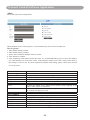
User Red 000/100
User Green 000/100
User Blue 000/100
21