1
Using the TSXCUSBMBP with an Application
Configure the Application Software
Introduction
Because the software interface to the TSXCUSBMBP uses a Virtual Serial Port, it is
relatively simple to configure an application to use it for communications.
A Typical
Configuration
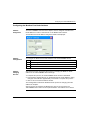
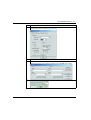
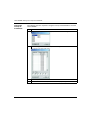
The following steps illustrate a typical configuration:
Step Action
1
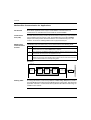
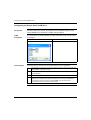
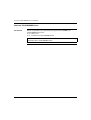
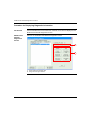
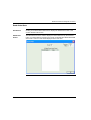
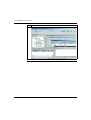
Determine which serial (COM) port the TSXCUSBMBP Driver is using.
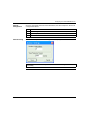
This information is displayed automatically whenever the mouse hovers over the
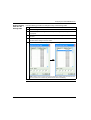
TSXCUSBMBP Driver icon in the system tray, as shown in the example below:
TSXCUSBMBP
(Device Status)
Port: COM3
2
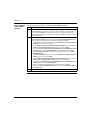
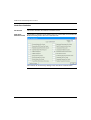
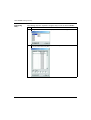
In the application's configuration, select the serial port shown (COM3 in the example
above).
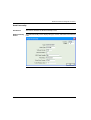
Note: Don't worry about Baud Rate, Parity, etc. - the Virtual Serial Port ignores those
settings.
3
Select standard Modbus RTU for the protocol.
Connect!
Introduction
35011984 02/2006
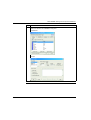
Tell the application software to connect, just as if it were connecting to a hardware
serial port. The TSXCUSBMBP Driver will handle the rest.
37