1
Chapter 5: Installation
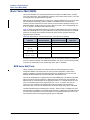
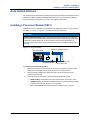
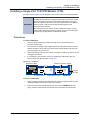
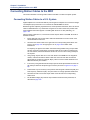
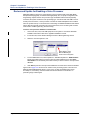
Installing the USB Security Key and Compact Flash-Type Memory Card
Installing the USB Security Key and Compact Flash-Type
Memory Card
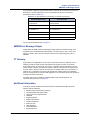
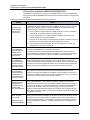
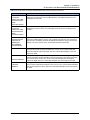
Locate the security key and compact flash-type memory card that came with the system. The
memory card contains system software files and the applications necessary to operate the
system. There are no application licenses on the security key; the key indicates that the system
is able to download the corresponding license it needs to operate. For additional information
about the USB security key and compact flash-type memory card, see the Specifications and
Product Description chapters.
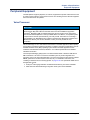
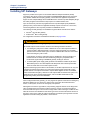
NOTICE
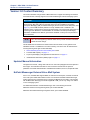
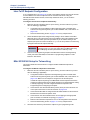
The Mitel 5000 v3.0 release requires a minimum 512MB compact flash-type memory card. If
this system is currently using a 256MB compact flash-type memory card, upgrade the card to
either 512MB (part number 841.0274) or 1024MB (part number 841.0273) before upgrading
the system to v3.0.
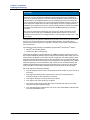
NOTICE
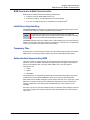
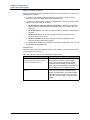
Possible Memory Card Corruption: By adhering to the following precautions you can help
prevent corruption of data on the compact flash-type memory card:
• Do not remove or install the compact flash-type memory card while the system is up and
running or power is otherwise supplied to the Inter-Tel 5000 Base Server chassis, as this
may damage the memory card. Shut down the system using the LCD panel and unplug
the power cord before removing or inserting the memory card.
• Using any compact flash-type memory card other than one provided by Mitel is not
supported.
• Do not place the compact flash-type memory card into any other PC. Doing so may
corrupt the file system and software.
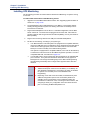
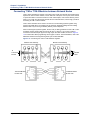
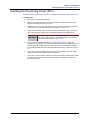
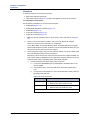
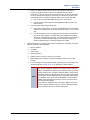
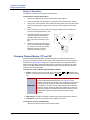
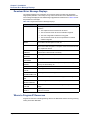
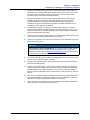
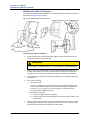
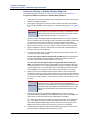
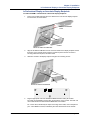
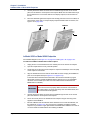
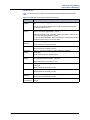
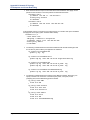
To install the USB security key and compact flash-type memory card:
1.
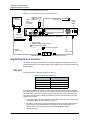
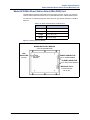
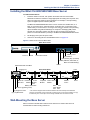
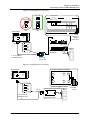
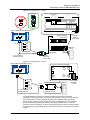
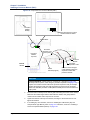
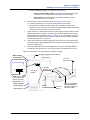
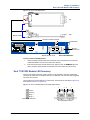
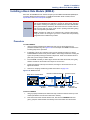
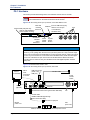
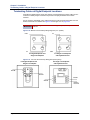
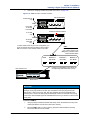
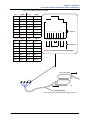
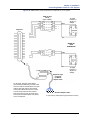
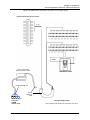
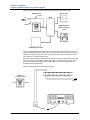
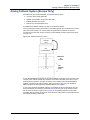
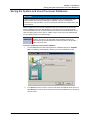
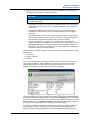
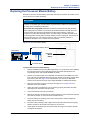
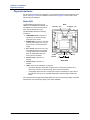
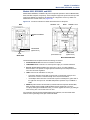
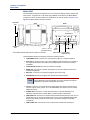
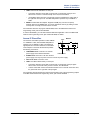
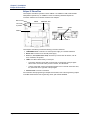
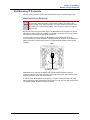
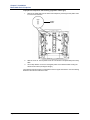
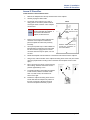
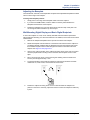
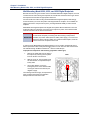
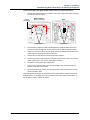
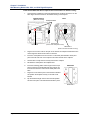
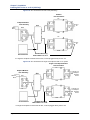
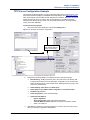
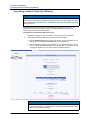
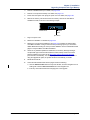
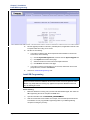
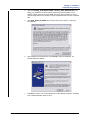
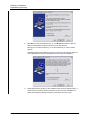
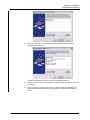
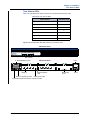
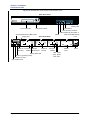
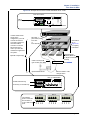
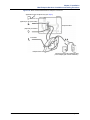
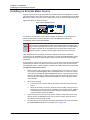
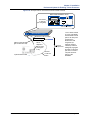
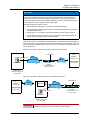
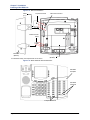
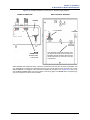
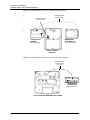
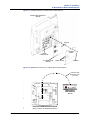
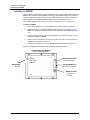
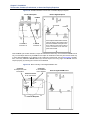
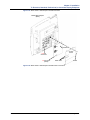
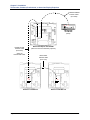
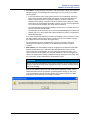
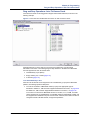
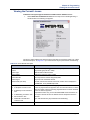
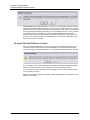
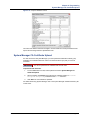
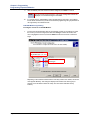
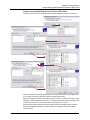
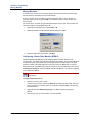
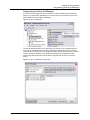
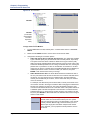
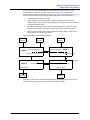
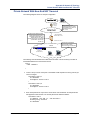
Using the illustration on the next page as a guide, insert the USB security key in the USB
port labeled “KEY.” Write down the key number (for example, on a sticker you can place
above the key location on the chassis).
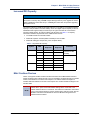
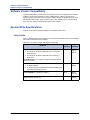
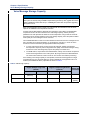
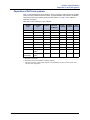
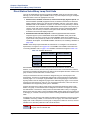
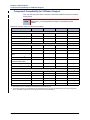
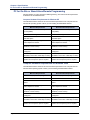
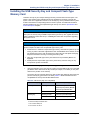
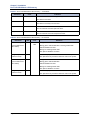
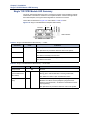
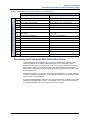
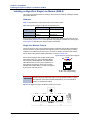
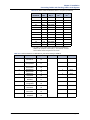
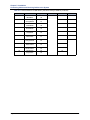
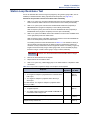
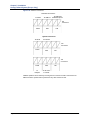
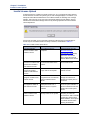
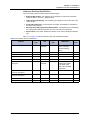
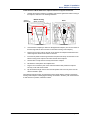
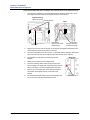
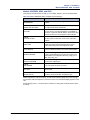
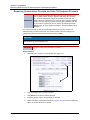
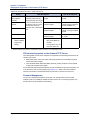
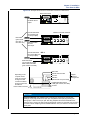
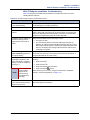
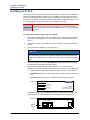
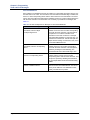
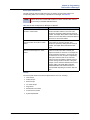
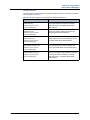
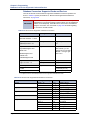
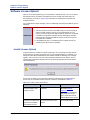
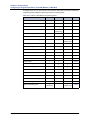
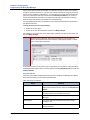
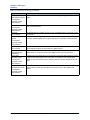
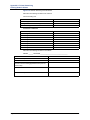
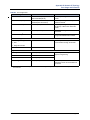
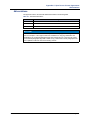
The security key has changed. Newer keys (part number: 841.0892) are shorter than the
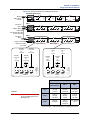
previous security key (part number: 841.0219). Table 5-2 details the differences and
compatibilities of the keys with the Mitel 5000 chassis.
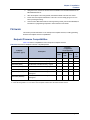
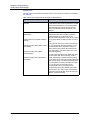
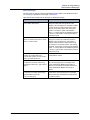
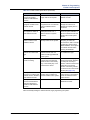
Table 5-2. USB Security Key Port Compatibility
USB Security Key
New keya
Existing keyd
Chassis
Compatibility
Existing chassisb
Insert new key into a nonrecessed port (USB-A). Do not
insert into port labeled KEY.
Newer chassisc
Insert into any USB port.
Existing chassis
Insert into port labeled KEY.
Newer chassis
Insert into any USB port.
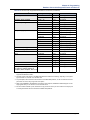
a. Part number: 841.0892
b. Recessed USB port labeled “KEY”
c. No recessed USB ports.
d. Part number: 841.0219
Mitel ® 5000 Installation Manual – Issue 3.0, October 2008
Page 5-19