1
Chapter 5: Installation
Connecting Trunks to LSM-4 Module Ports
Connecting Trunks to LSM-4 Module Ports
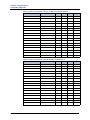
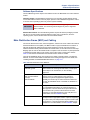
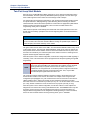
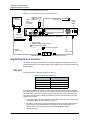
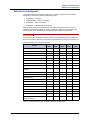
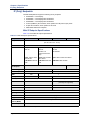
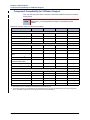
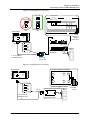
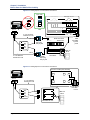
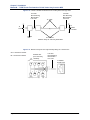
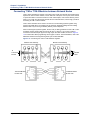
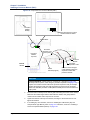
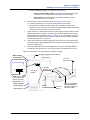
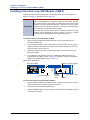
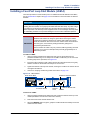
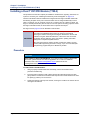
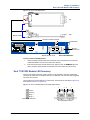
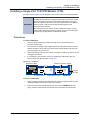
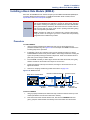
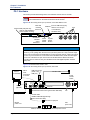
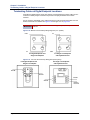
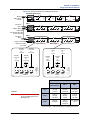
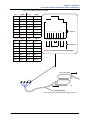
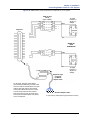
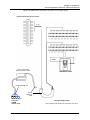
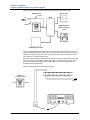
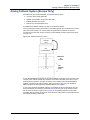
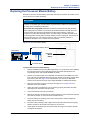
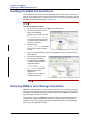
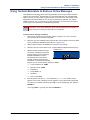
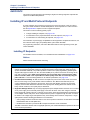
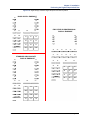
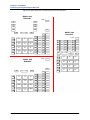
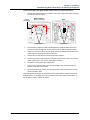
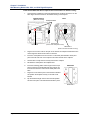
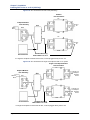
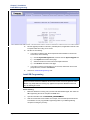
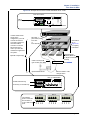
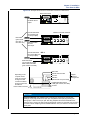
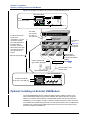
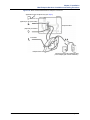
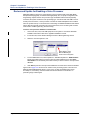
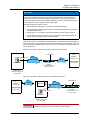
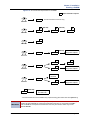
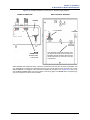
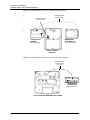
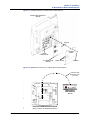
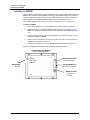
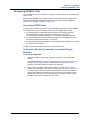
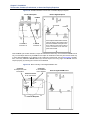
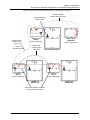
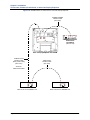
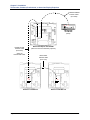
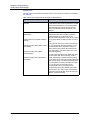
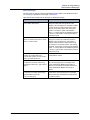
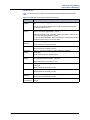
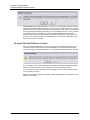
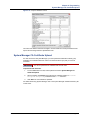
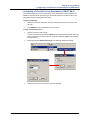
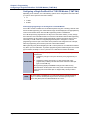
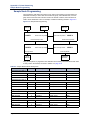
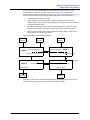
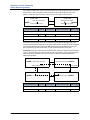
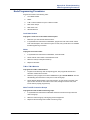
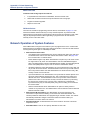
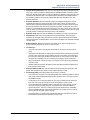
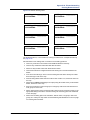
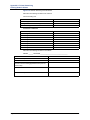
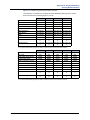
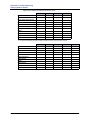
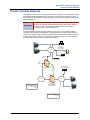
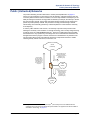
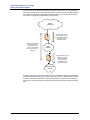
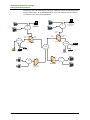
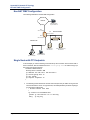
This section provides information on connecting CO trunk cables for the LSM-4 module. For this
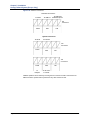
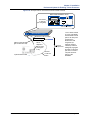
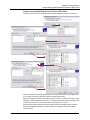
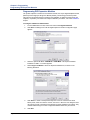
procedure, see Figure 5-2 and Figure 5-3 on page 5-23 as a guide.
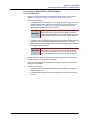
To connect LSM-4 Module CO trunks:
1.
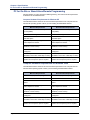
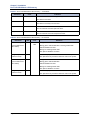
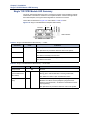
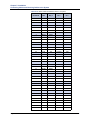
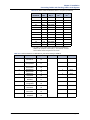
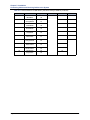
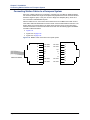
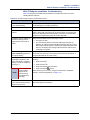
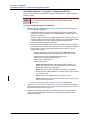
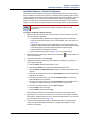
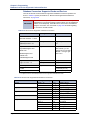
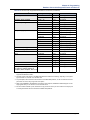
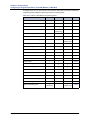
Cable the four-port loop start module port (CO trunks) using the pinouts shown in Figure
5-2 and Figure 5-3 on page 5-23.
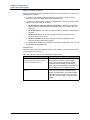
•
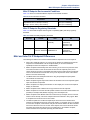
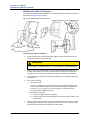
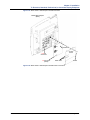
Use a patch panel at the rack and adapters between the patch panel and the InterTel 5000 Base Server. Use the fewest modular jacks and adapters as possible, and
do not attach any adapters to the back of the chassis; clearance issues prevent
them from attaching securely. If using a 6-pin, 6-conductor patch panel, make the
appropriate adjustments when using the adapters. You can also build your own 6P/
6C to 8P/8C patch cables, if necessary.
•
If using 4- or 6-conductor modular line cord, limit the length to 6 ft maximum. In
general, modular line cords are not twisted pair and could introduce crosstalk
between line 1 and line 2 at longer lengths.
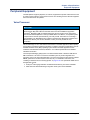
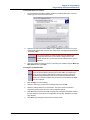
NOTICE
Equipment Damage: Use adapters when connecting any 6-pin plug to an 8-pin
jack. Although a 6-pin plug will fit into an 8-pin jack, the plastic on the 6-pin plug
housing will damage pins 1 and 8 on the 8-pin jack. Not using adapters will
increase the likelihood of failure (to pins 1 and 8 in the 8-pin jack) should that
jack need to be used with an 8-pin plug in the future. Various adapter types are
available based on how you choose to connect to the patch panel.
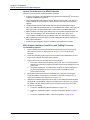
2.
Page 5-24
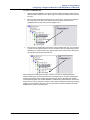
Create the split to create two loop start port connections:
•
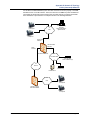
In Figure 5-2 on page 5-23, the split to achieve two loop start ports occurs at the
patch panel. This is the recommended option.
•
In Figure 5-3 on page 5-23, the split to achieve two loop start ports occurs at the
MDF using modular jacks.
Mitel ® 5000 Installation Manual – Issue 3.0, October 2008