1
Chapter 6: Programming
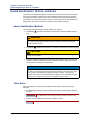
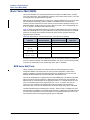
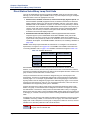
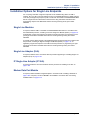
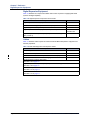
Base Server Module Bays and Supported Modules
Base Server Module Bays and Supported Modules
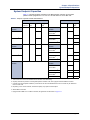
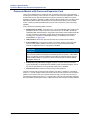
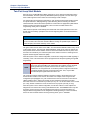
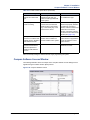
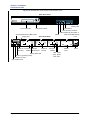
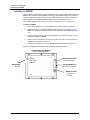
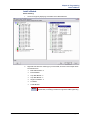
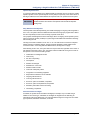
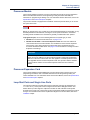
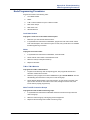
Three module bays support the following modules:
• Basic Rate Module - S (BRM-S)
• Dual T1/E1/PRI Module (T1M-2)
• Loop Start Module - 2 ((LSM-2), supported, but no longer in production
• Loop Start Module - 4 (LSM-4)
• Single Line Module - 4 (SLM)
• T1/E1/PRI Module, supported, but no longer in production
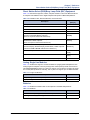
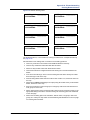
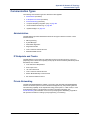
Modules can reside in any bay and in any combination. Module bays displaying “Uninstalled”
have not been configured with a module type listed above. If you intend to configure a T1/E1/
PRI module for PRI use, you must have the PRI software license, part no. 840.0227.
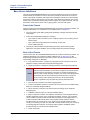
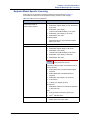
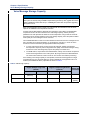
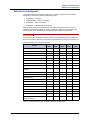
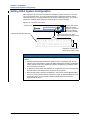
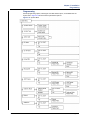
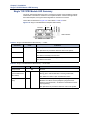
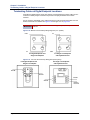
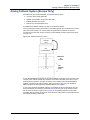
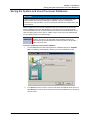
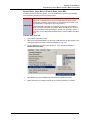
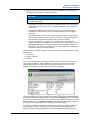
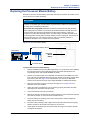
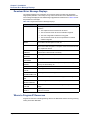
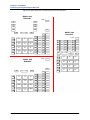
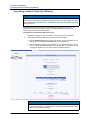
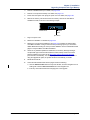
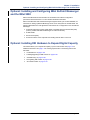
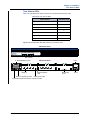
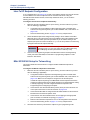
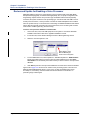
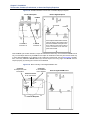
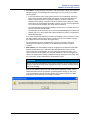
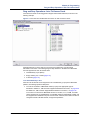
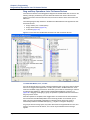
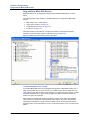
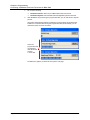
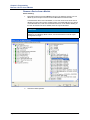
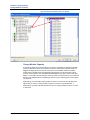
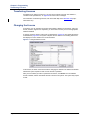
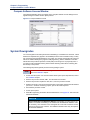
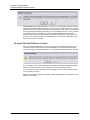
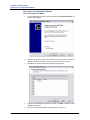
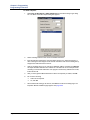
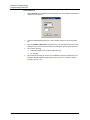
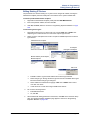
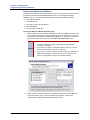
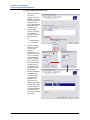
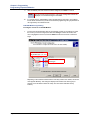
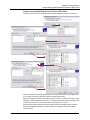
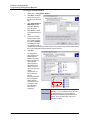
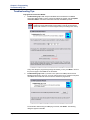
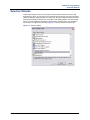
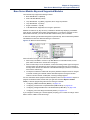
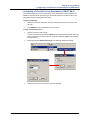
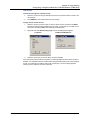
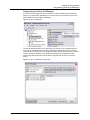
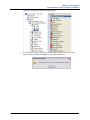
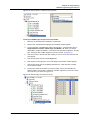
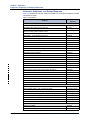
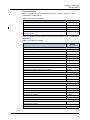
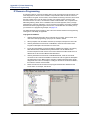
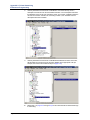
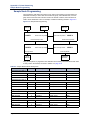
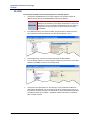
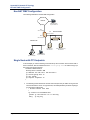
To select the module type that will be assigned to a particular bay, click the desired bay labeled
Uninstalled, then select the desired module type in the list box.
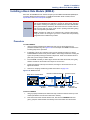
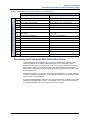
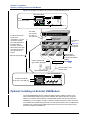
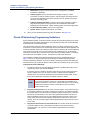
Figure 6-15. Base Server Module Bays
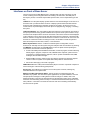
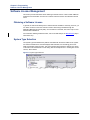
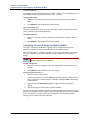
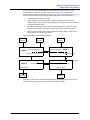
When a module is changed, one of the following may occur:
• When a bay is modified to contain a Loop Start Module or T1/E1/PRI module, the new
ports will be included in the “Unused CO” trunk group.
• When a module bay is set to Uninstalled, or where the existing module type is changed to
another module type, all reference to the endpoints or trunks that were on the module in
that bay will be removed from all areas of the Database Manager (unless the module was
first moved to another bay).
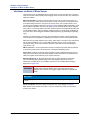
• The bay that contains the module with the primary attendant endpoint cannot be changed
to another module type or deleted until the attendant endpoint is changed to another
location on another module. If attempted, a warning message appears.
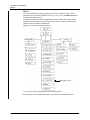
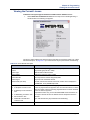
For more information about equipment chassis capacities, refer to the Specifications chapter. To
program an individual module, double-click it (or right-click and select Explore <module
name>). Follow the programming instructions for that type of module:
• “Configuring a Basic Rate Module (BRM-S)” on page 6-114
• “Configuring a 2-Port/4-Port Loop Start Module (LSM-2/LSM-4)” on page 6-119
• “Configuring a Single-Port/Dual-Port T1/E1/PRI Module (T1M/T1M-2)” on page 6-120
• “Configuring a Four-Port Single Line Module (SLM-4)” on page 6-134
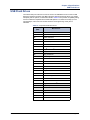
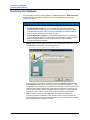
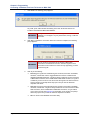
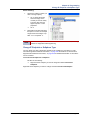
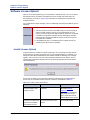
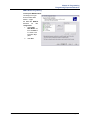
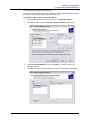
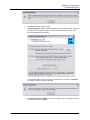
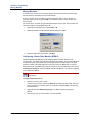
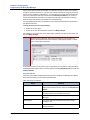
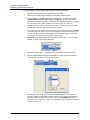
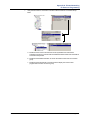
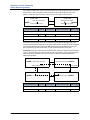
If you change the module type, a window appears prompting you to confirm the change. Select
Yes to continue or No to cancel the change.
Mitel ® 5000 Installation Manual – Issue 3.0, October 2008
Page 6-113