1
3. Data Transfer between a Computer and fx-9860G Series/fx-9750GII/fx-7400GII
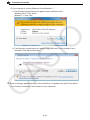
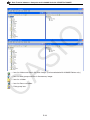
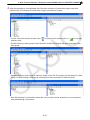
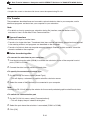
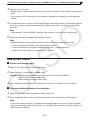
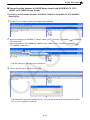
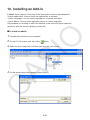
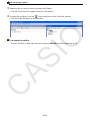
2. Right-click with the mouse.
3. On the shortcut menu that appears, select [Export].
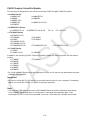
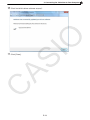
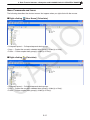
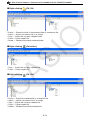
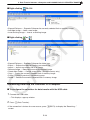
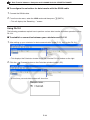
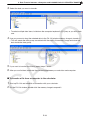
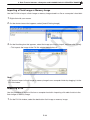
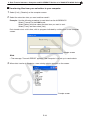
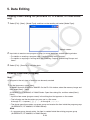
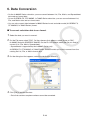
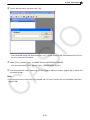
• Flash image: The dialog box shown below appears. Select the save destination directory, and
then click [OK]. The file is saved using the same name as the flash image.
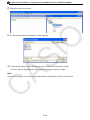
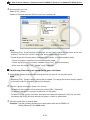
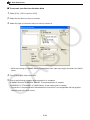
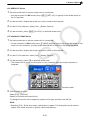
• Memory image: The dialog box shown below appears. Type in the file name, and then click
[Save].
Note
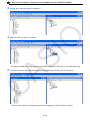
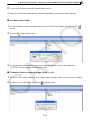
• You also can export by dragging the flash image or memory image to the computer folder.
E-38