1
Custom Voice Edit
This mode makes it possible to create new voices by editing some
parameters of the preset voices. A simple EASY EDIT mode and fullparameter FULL EDIT mode are available. Both modes can be used to
customize voice data loaded from disk. Up to 32 custom voices can be
retained in memory and selected via the RIGHT 1, RIGHT 2, LEFT, and
LEAD voice [CUSTOM] buttons.
Engaging the Easy/Full Edit Mode
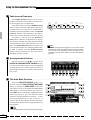
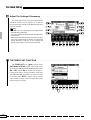
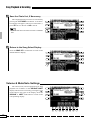
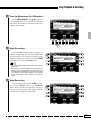
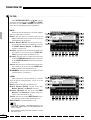
Z Engage the CUSTOM VOICE EDIT Mode ............................................................................................................
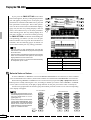
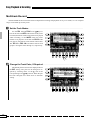
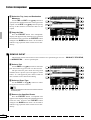
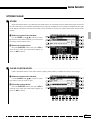
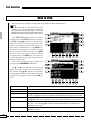
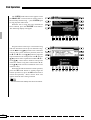
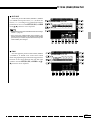
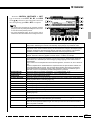
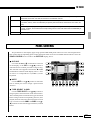
Press the [CUSTOM VOICE EDIT] button to
engage the CUSTOM VOICE EDIT mode. The
CUSTOM VOICE EDIT display will appear.
SONG
PLAY
CUSTOM
VOICE EDIT
SONG
CUSTOM
RECORD ACCOMP. REC
FUNCTION
DISK
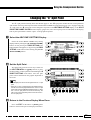
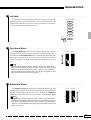
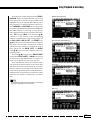
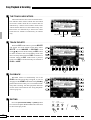
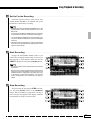
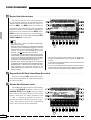
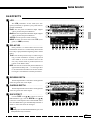
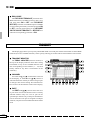
X Select a Preset Voice ......................................
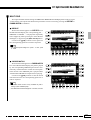
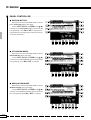
Select the preset voice on which the custom
voice will be based via the PART, GROUP, and
VOICE LCD [▲/▼] controls. The control below the
large ▲ and ▼ symbols scrolls quickly through the
voice list while the control below the smaller ▲ and
▼ symbols scroll more slowly.
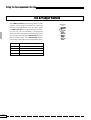
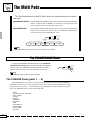
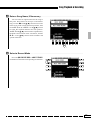
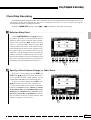
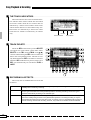
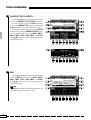
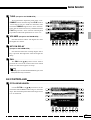
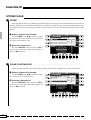
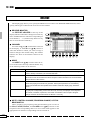
C Select Easy or Full Edit ...............................
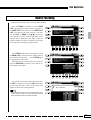
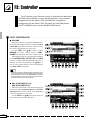
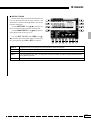
Press the EASY EDIT or FULL EDIT LCD
button to go to the corresponding mode. The EASY
EDIT mode cannot be selected when a drum kit
voice is selected for editing.
■
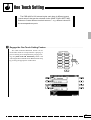
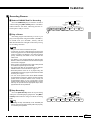
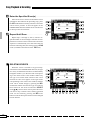
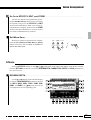
EXITING .................................................................................................................................................................................................
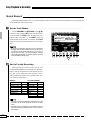
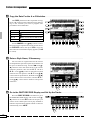
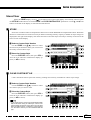
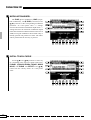
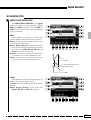
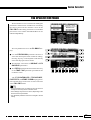
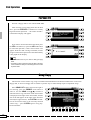
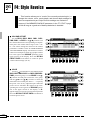
Exit from the CUSTOM VOICE EDIT mode
when done by pressing either the [CUSTOM VOICE
EDIT] or [EXIT] button.
NOTES
• If the edited data was not stored to disk before pressing
the “EXIT” button, the “Edited data not stored! Store
data?” confirmation will appear on the display. Pressing
“YES” will go to the STORE function, “NO” will exit from the
CUSTOM VOICE EDIT mode, or CANCEL will return to
the previous display.
78
SONG
PLAY
CUSTOM
VOICE EDIT
SONG
CUSTOM
RECORD ACCOMP. REC
FUNCTION
EXIT
DISK