1
Registration Memory
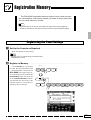
The PSR-4000 Registration Memory feature can be used to memorize 128 complete control-panel setups (16 banks, 8 setups each) that
you can recall whenever needed.
NOTES
• Registration data can be saved to and loaded from floppy disk as required (page 90).
• The disk provided with the PSR-4000 contains a number of sample registration settings.
Registering the Panel Settings
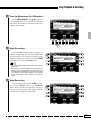
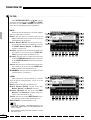
Z Set Up the Controls as Required ...............................................................................................................................
Make the desired control settings.
NOTES
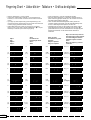
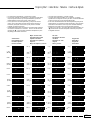
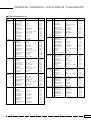
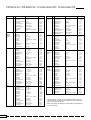
• See page 131 for a complete listing of the data stored by
the Registration function.
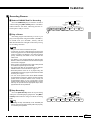
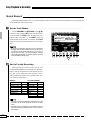
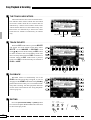
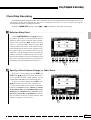
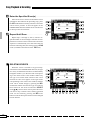
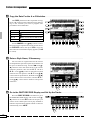
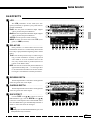
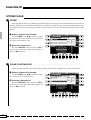
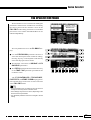
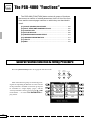
X Register in Memory ...................................................................................................................................................................
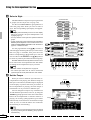
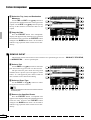
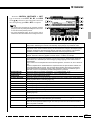
Use the BANK [–] or [+] button
to select the desired memory bank
— the bank number is shown next to
REG. BANK in the upper right corner of the display. Press and hold the
[MEMORY] button, then press one
of the REGISTRATION buttons.
Any data that was previously in the
selected location is erased and replaced by the new settings.
BANK 1~16
+
–
FREEZE
1
2
1
2
MEMORY
BANK 1~16
–
+
3
4
5
6
7
8
REGISTRATION
43