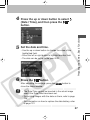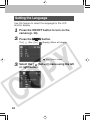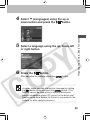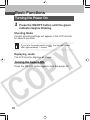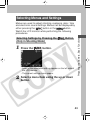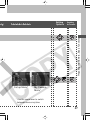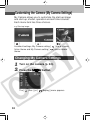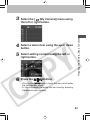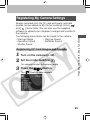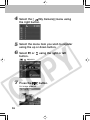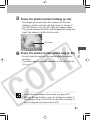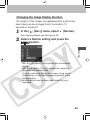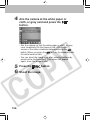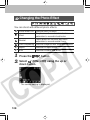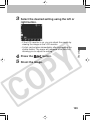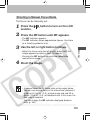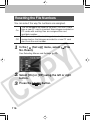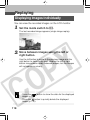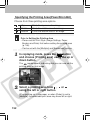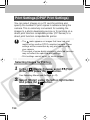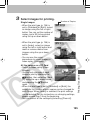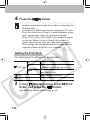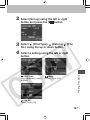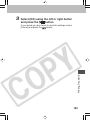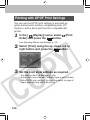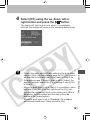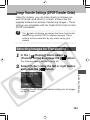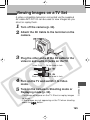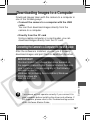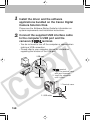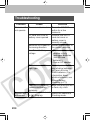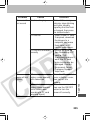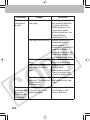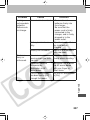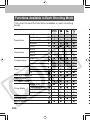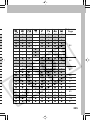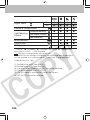
1
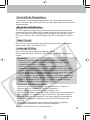
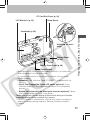
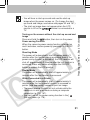
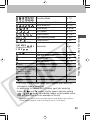
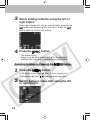
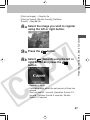
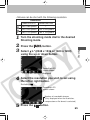
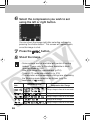
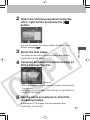
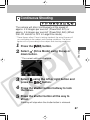
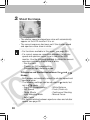
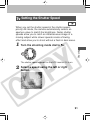
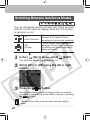
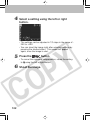
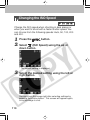
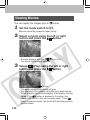
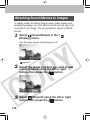
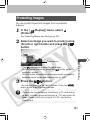
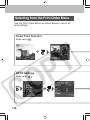
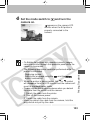
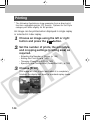
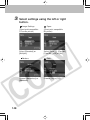
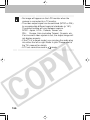
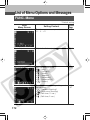
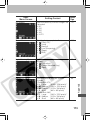
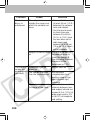
settings using the left or right
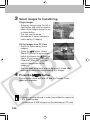
3 Select
button.
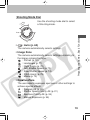
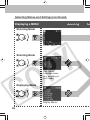
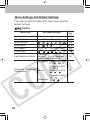
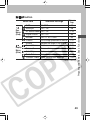
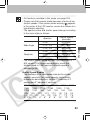
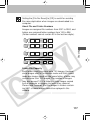
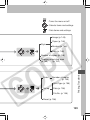
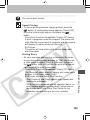
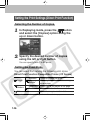
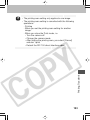
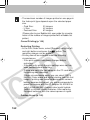
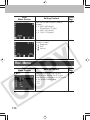
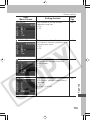
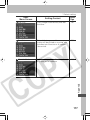
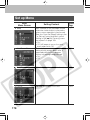
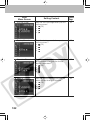
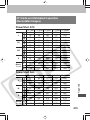
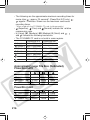
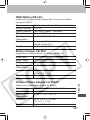
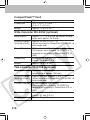
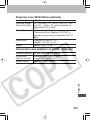
Image Settings
(Direct print compatible
CP series printer)
Paper
(Direct print compatible
BJ printer)
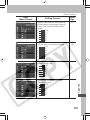
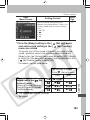
Select [Standard] or
[Multiple].
Select [Card #1], [Card #2],
[Card #3], [LTR] or [A4].
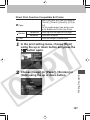
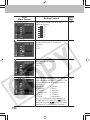
Borders
Choose [Borderless] or
[Bordered].
148
Date
Choose [On] or [Off].