1
AR8000 operating manual
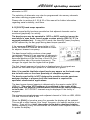
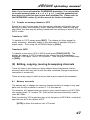
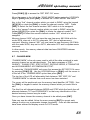
[9] [2] [.] [7] [ENT] to select the desired frequency, the mode and step
size will be automatically set by the AR8000 microprocessor.
Press and hold the [ENT] key for more than
one second to enter memory input mode.
Press [1A] [0] [0] [ENT] [ENT] to over-write the
previous data.
At any time you may abort the memory input by
pressing the [CLEAR] key, the display will return to
VFO mode.
8-2 SET EDIT-CH - editing, copying, moving and swapping
memory channels
Comprehensive memory editing facilities are available through the
“SET EDIT-CH” menu.
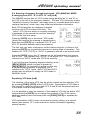
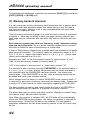
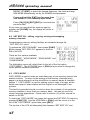
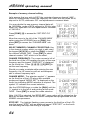
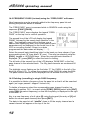
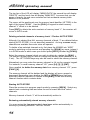
To access the “EDIT-CHANNEL” menu press [FUNC]
[8] the legend “SET EDIT-CH” appears on the first
line of the LCD.
There are four options available:
“COPY-MODE”, “MOVE-MODE”, “SWAP-MODE” and
“CHANGE-MEM”.
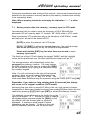
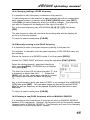
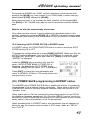
The highlighter cursor will initially flash to the left of the first option
“COPY-MODE”. The UP/DOWN keys or [DIAL] may be used to change the
cursor position between selections.
8-3 COPY-MODE
COPY-MODE is used to make an exact data copy of one memory channel into
another location. To return to the analogy of the memory channels being
pages in a book referred to at the introduction to memory banks & channels
section 7, “COPY-MODE” is just like making a photo copy of a page, all the
details are copied in exact replica and the original is not destroyed in the
process.
This facility is provided should you wish to have the contents of one particular
memory available in more than one memory bank... this can be useful for
certain scanning applications. Please refer to section (10) of this manual for
details on SCAN.
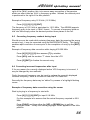
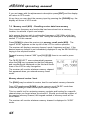
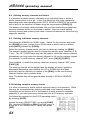
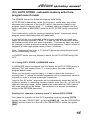
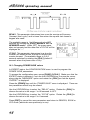
To select the “COPY-MODE” sub menu first access the SET EDIT-CH menu by
pressing [FUNC] [8]. Use the UP/DOWN or [DIAL] until the cursor is to the
left of the “COPY-MODE” option then press [ENT].
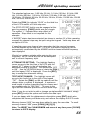
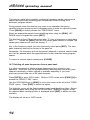
The top line of the LCD will alternately flash between “SET EDIT-CH” and
48