1
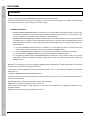
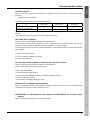
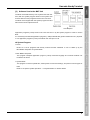
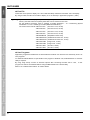
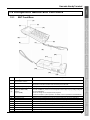
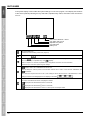
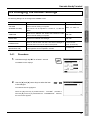
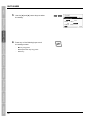
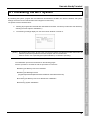
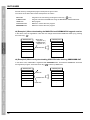
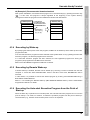
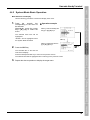
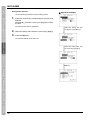
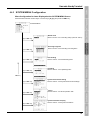
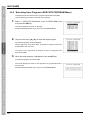
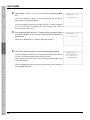
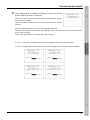
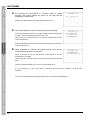
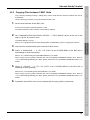
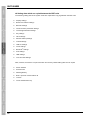
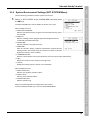
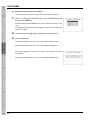
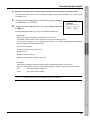
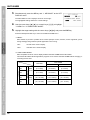
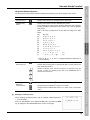
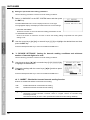
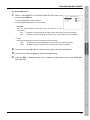
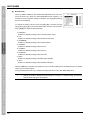
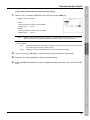
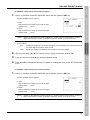
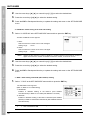
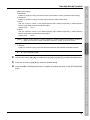
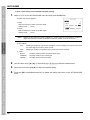
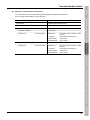
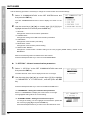
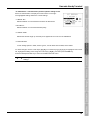
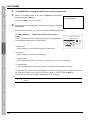
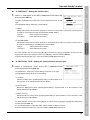
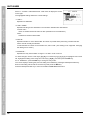
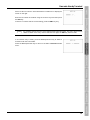
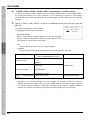
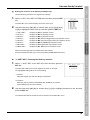
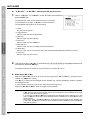
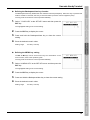
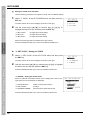
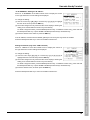
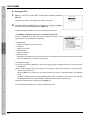
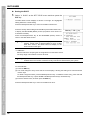
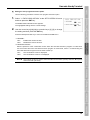
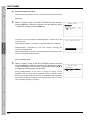
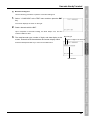
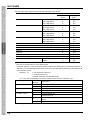
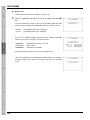
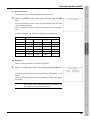
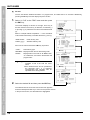
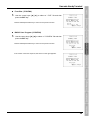
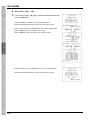
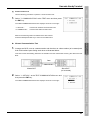
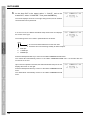
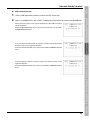
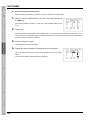
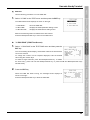
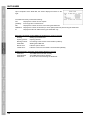
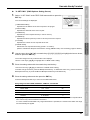
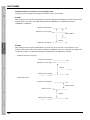
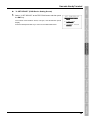
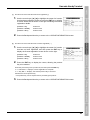
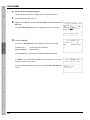
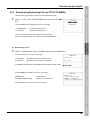
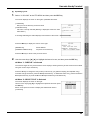
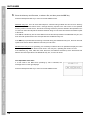
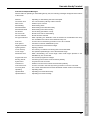
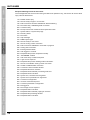
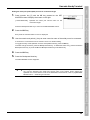
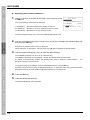
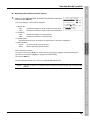
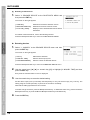
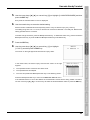
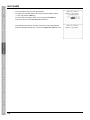
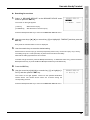
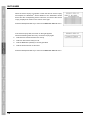
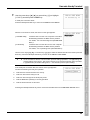
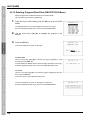
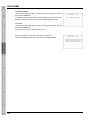
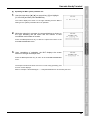
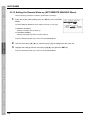
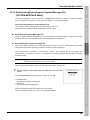
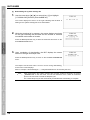
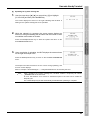
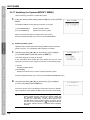
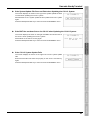
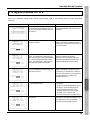
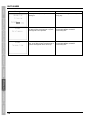
BHT-904BB 4.5.8 System Information (SYSTEM INFORMATION Menu) [1] Displaying the BHT system information Use the following procedure to display the BHT system information. 1. Select “6: VERSION” at the SYSTEM MENU and then press the ENT key. The SYSTEM INFORMATION screen displays as shown on the right. [SYSTEM Ver.]: [ROM SIZE]: [SYSTEM MESSAGE]: [FONT]: System program version ROM size System message version Loaded font type and version Press the Backspace/clear key to return to the SYSTEM MENU. License List Press the F1 key at the SYSTEM INFORMATION screen to display a license list as shown on the right. The license list displays the names of functions for which licenses are required. [1] [2] ”” symbol: Indicates that a license has been registered. ”” symbol: Indicates that no license has been registered. * Even if functions for which licenses are required are loaded in the system, these functions do not display in the list if they have never been run. Press the F1 key or press the Backspace/clear key to return to the SYSTEM INFORMATION screen. 120