1
9.
9.1
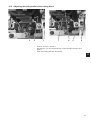
Adjusting the seam width
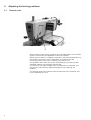
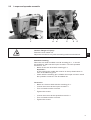
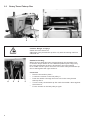
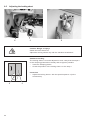
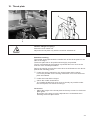
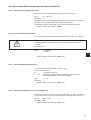
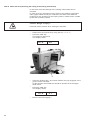
Presetting the seam width
B
2
A
1
B
A
3
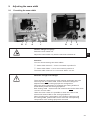
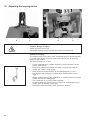
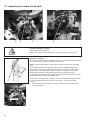
Caution: Danger of injury!
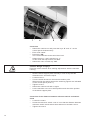
Switch the main switch off.
Adjust the seam width only with the machine switched off.
3
Standard
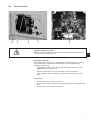
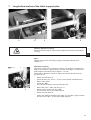
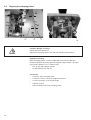
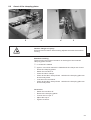
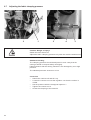
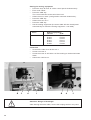
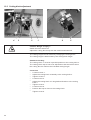
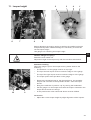
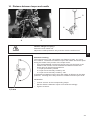
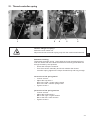
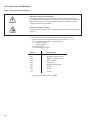
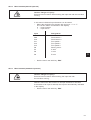
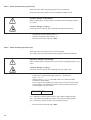
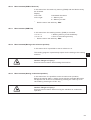
You can choose among two seam widths:
·
·
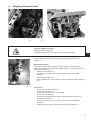
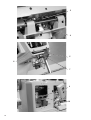
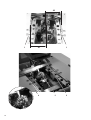
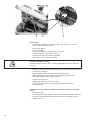
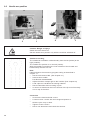
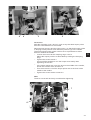
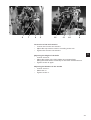
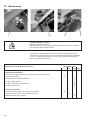
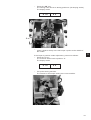
Seam width “Narrow” = Lever 2 mounted in position B
Seam width “Wide” = Lever 2 mounted in position A
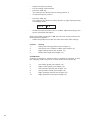
The seam width “Narrow” is 2.2 mm and “Wide” 3.3 mm.
Attention: Danger of breakage!
The mechanical components of each sewing equipment are to be
used only with one seam width, and so cannot be changed or
adjusted either in the sewing equipment configuration.
When the sewing equipment is changed, the sewing width will
automatically match the sewing equipment.
Both sewing width - electronical and mechanical must be either both
“narrow” or both “wide”.
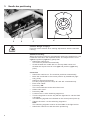
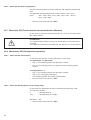
Under the menu «502» it is possible to check the value of the
electronical seam width for the sewing equipment.
When changing the configuration of the sewing equipment and
the sewing width, please make sure to have the corresponding
components of the sewing equipment mounted.
25