1
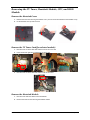
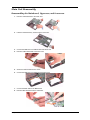
Disassembling the LCD Module
1.
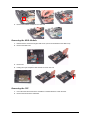
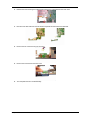
Remove the four screw caps from the LCD module.
2.
Remove the four screw securing the LCD bezel.
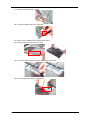
NOTE: For LCD module with CCD, please refer to following steps.
1.
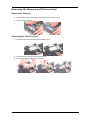
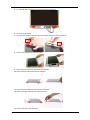
Remove the six screw caps for the LCD module.
2.
Remove the six screws securing the LCD module.
3.
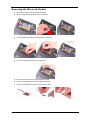
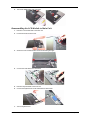
Remove the LCD bezel.
4.
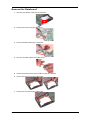
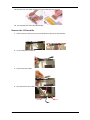
Remove the 13 screws securing the LCD panel.
Chapter 3
77














































![MY HOME - Termorregulación y Climatización [pdf 8.9 MB]](http://vs1.manualzilla.com/store/data/006299556_1-14be3162ae9ed08da6bd190c5a4bbb16-150x150.png)