1
n
n
n
n
n
n
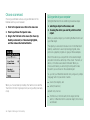
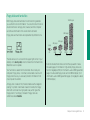
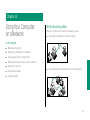
Do not use the computer in wet or dusty environments.
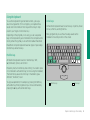
Keep dirt and liquids away from the ports on the back panel,
the keyboard, and the trackball. If you spill any food or liquid
onto the computer, shut it down immediately and unplug it
before cleaning up the spill. Depending on what you spilled
and how much got into the computer, you may have to bring
the computer to an authorized Apple service provider for
cleaning.
s Important
n
n
n
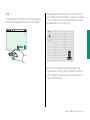
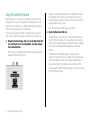
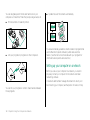
Do not touch the screen with any sharp or pointed objects.
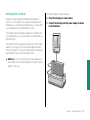
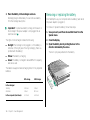
Use only the battery supplied with your computer. Batteries
designed for other portable computers may look similar, but
they may not work with your computer and may damage it.
When recharging the battery, use only the power adapter
supplied with your computer. Adapters designed for other
electronic devices may not work with your equipment and
may damage the computer or the recharger.
n
n
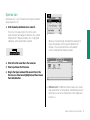
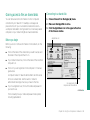
If the computer has been in a cold place for several hours, let
it warm up to room temperature before you use it.
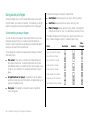
Use the computer only in environments where the
temperature range is between 50°F/10°C and 104°F/40°C.
Do not expose the computer to very low (less than
–13°F/–25°C) or very high (more than 140°F/60°C)
temperatures.
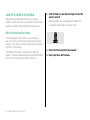
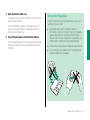
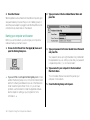
If necessary, clean the outside surfaces of your computer
equipment with a damp (not wet) cloth or paper towel.
Clean the screen with soft, lint-free paper or cloth and a mild
glass cleaner. Do not spray the glass cleaner (or any other
liquid) directly onto the screen.
Do not leave batteries in hot locations (such as the trunk of a
car).
Chapter 1: Setting Up Your Macintosh PowerBook 25