1
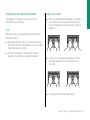
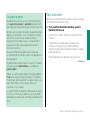
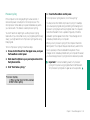
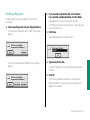
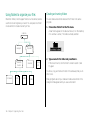
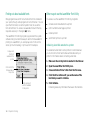
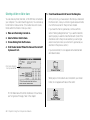
Naming specific users to link to your programs
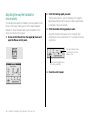
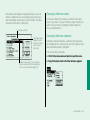
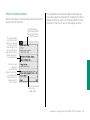
You can identify the registered users and groups you want to link
to your programs.
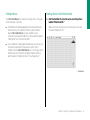
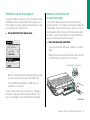
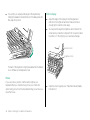
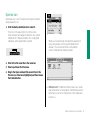
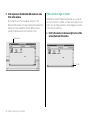
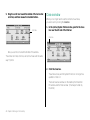
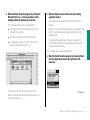
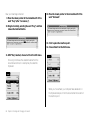
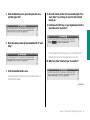
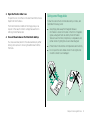
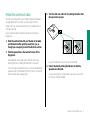
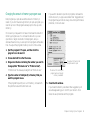
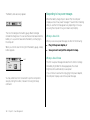
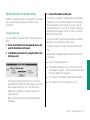
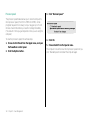
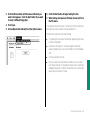
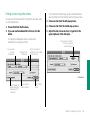
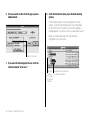
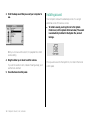
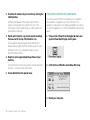
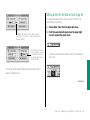
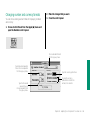
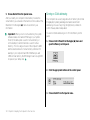
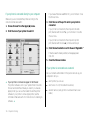
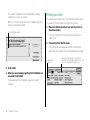
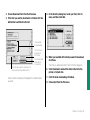
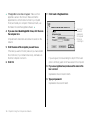
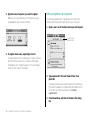
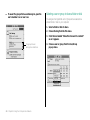
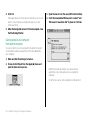
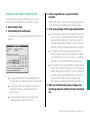
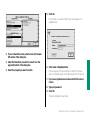
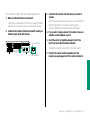
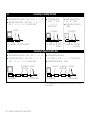
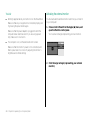
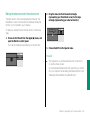
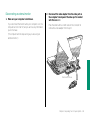
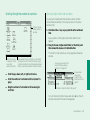
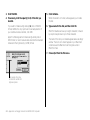
3. Click the box labeled “Allow user to link to programs
on this Macintosh” to place an X in it.
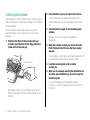
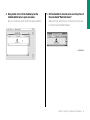
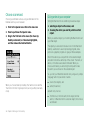
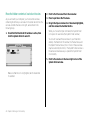
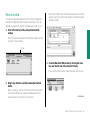
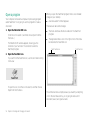
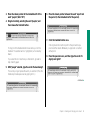
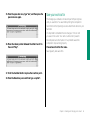
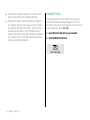
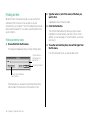
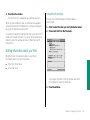
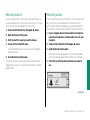
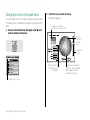
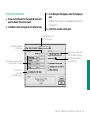
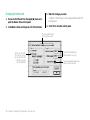
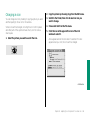
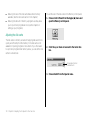
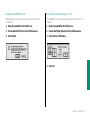
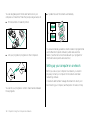
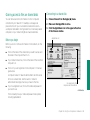
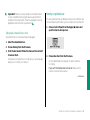
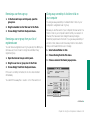
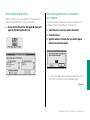
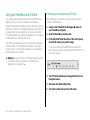
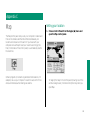
1. Choose Control Panels from the Apple (K) menu and
open the Users & Groups icon.
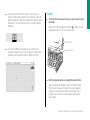
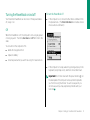
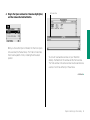
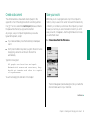
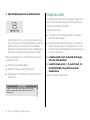
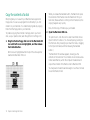
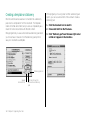
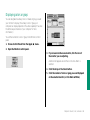
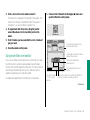
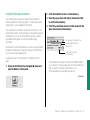
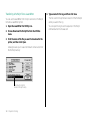
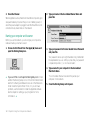
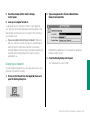
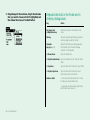
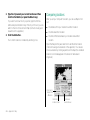
2. Open the icon of a user.
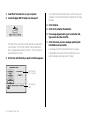
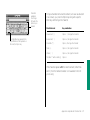
Click here to let this user link to
your shared programs.
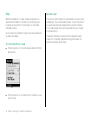
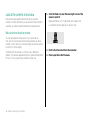
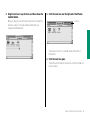
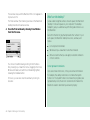
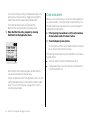
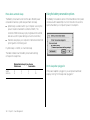
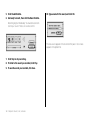
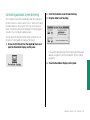
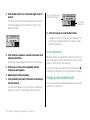
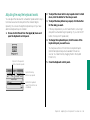
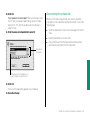
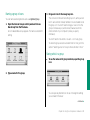
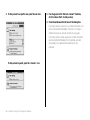
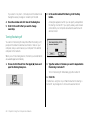
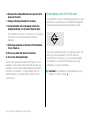
4. Close the window and click Save in the dialog box.
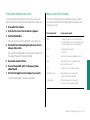
5. To give more registered users access to your programs,
repeat steps 2 through 4.
224 Chapter 13: Using Your Computer on a Network